New article
Recently updated
Bulk updating employees

Who is this article for?
Administrators managing users.
Administrator access is required.
Bulk updating user records in the system is a powerful feature that allows administrators to efficiently manage large volumes of user data in a single operation. Whether you're updating departments, roles, or license types, this process can save significant time and ensure consistency across the system.
This article outlines how to perform a bulk update of employee records.
Before performing a bulk update, it's essential to thoroughly review your CSV files for accuracy and data integrity. Even a small error or inconsistency in the file can lead to widespread issues across your system—affecting reporting lines, user access, or group assignments. Taking the time to validate your data upfront helps prevent disruptions and ensures a smooth, reliable update process. Please keep a backup copy of your original CSV before making any changes.
-
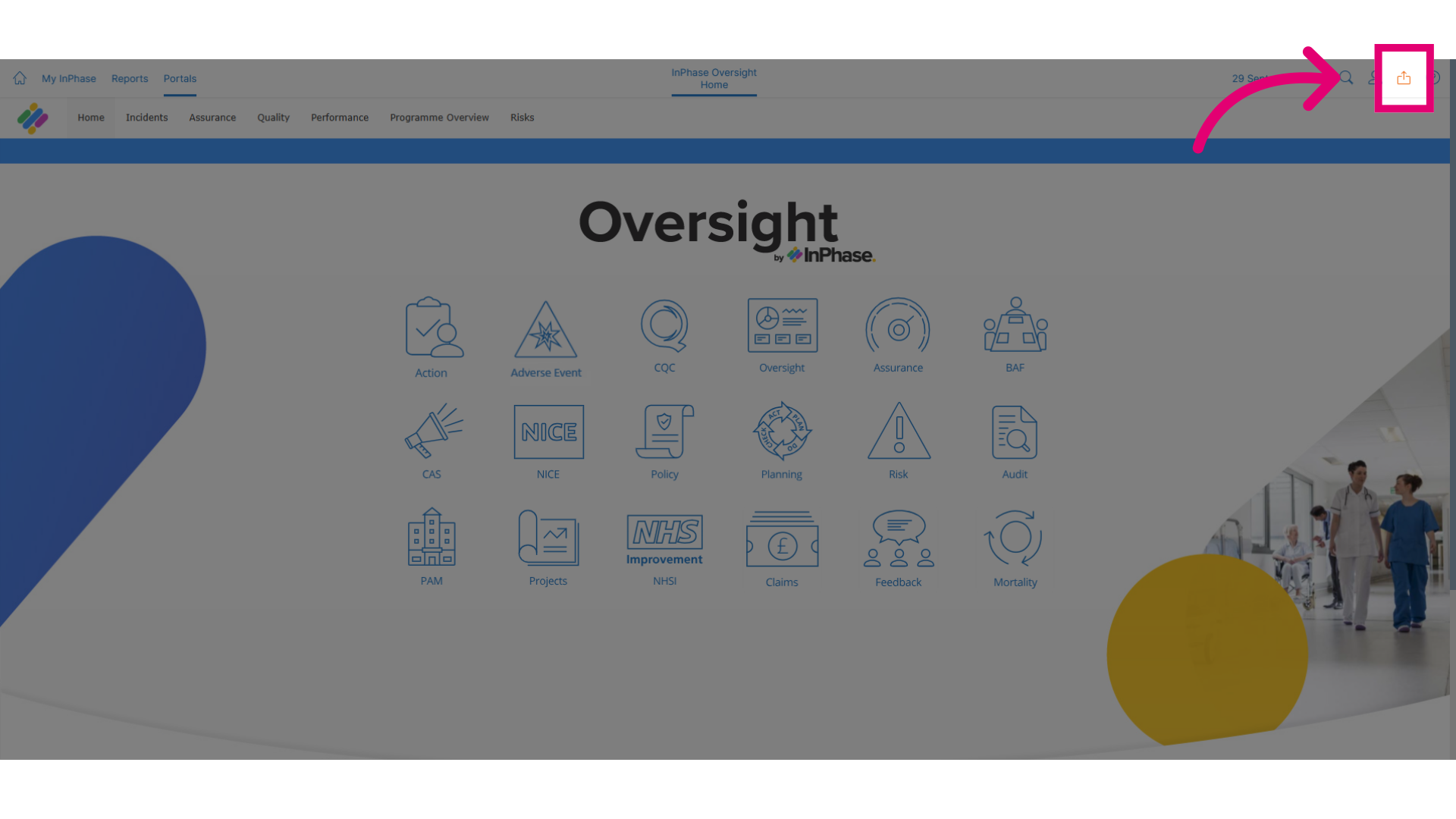
Click Send to to get started.
-
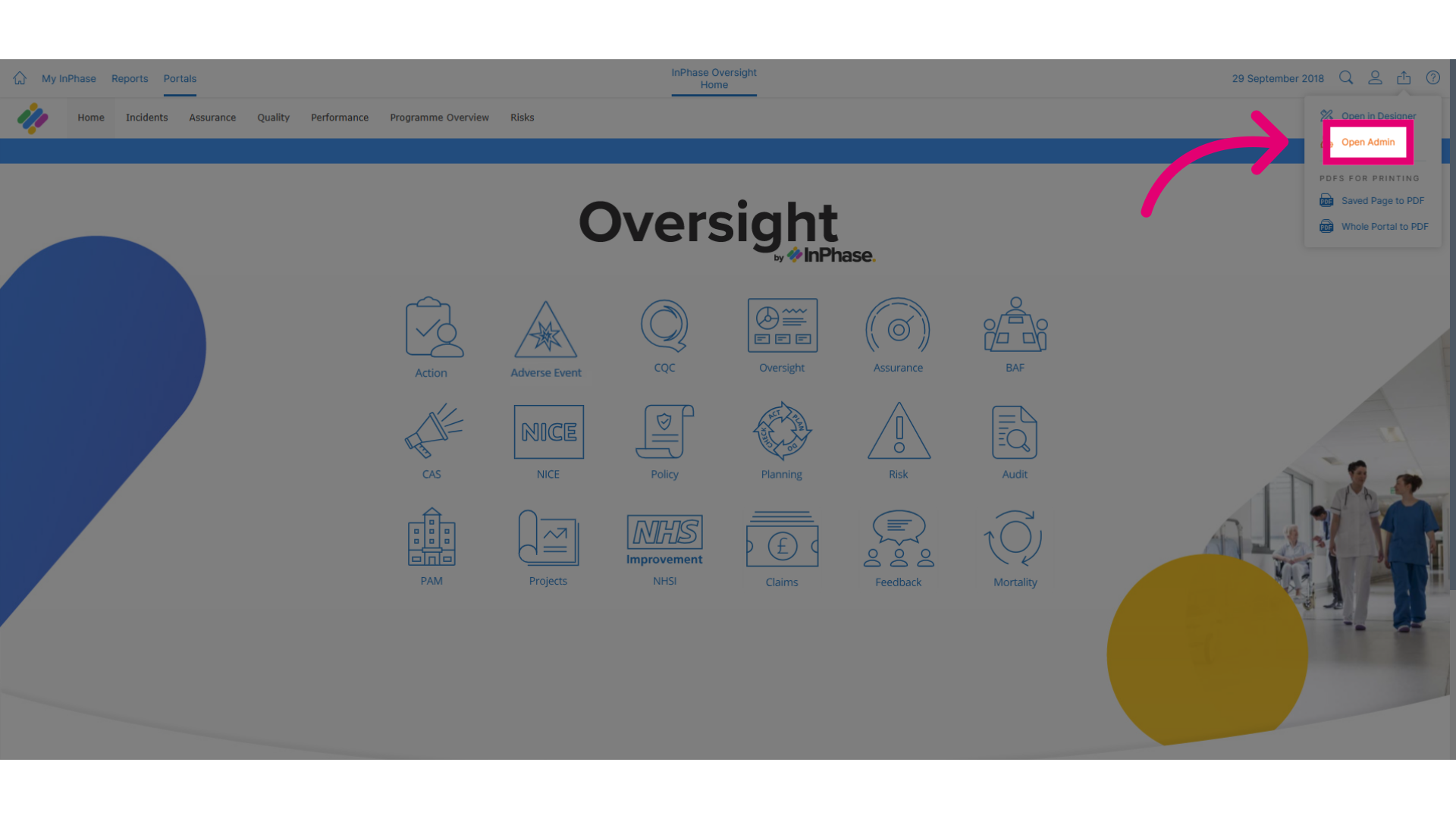
Click Open Admin to open the administrative settings.
-
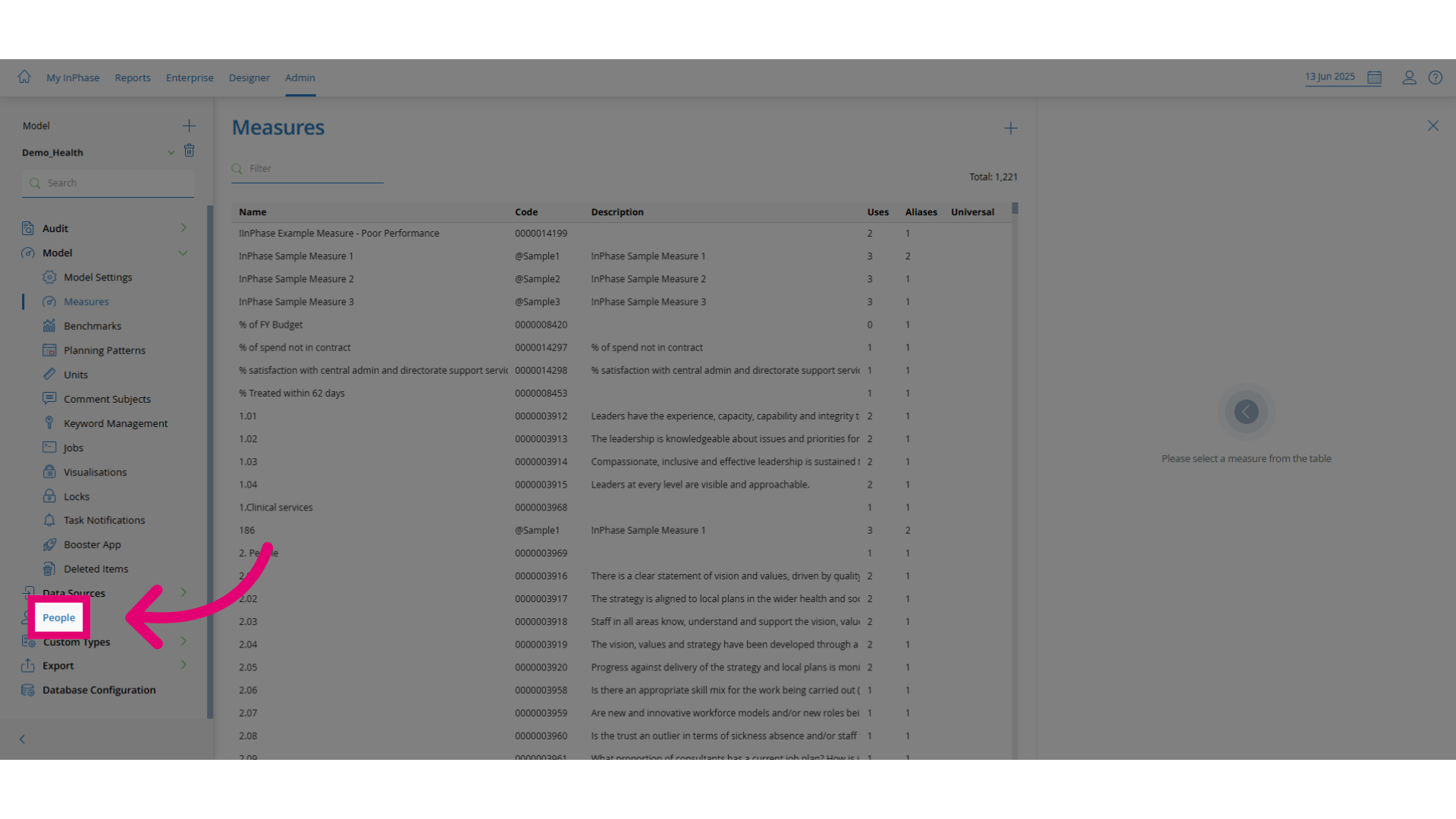
Click People to access the employee management section.
-
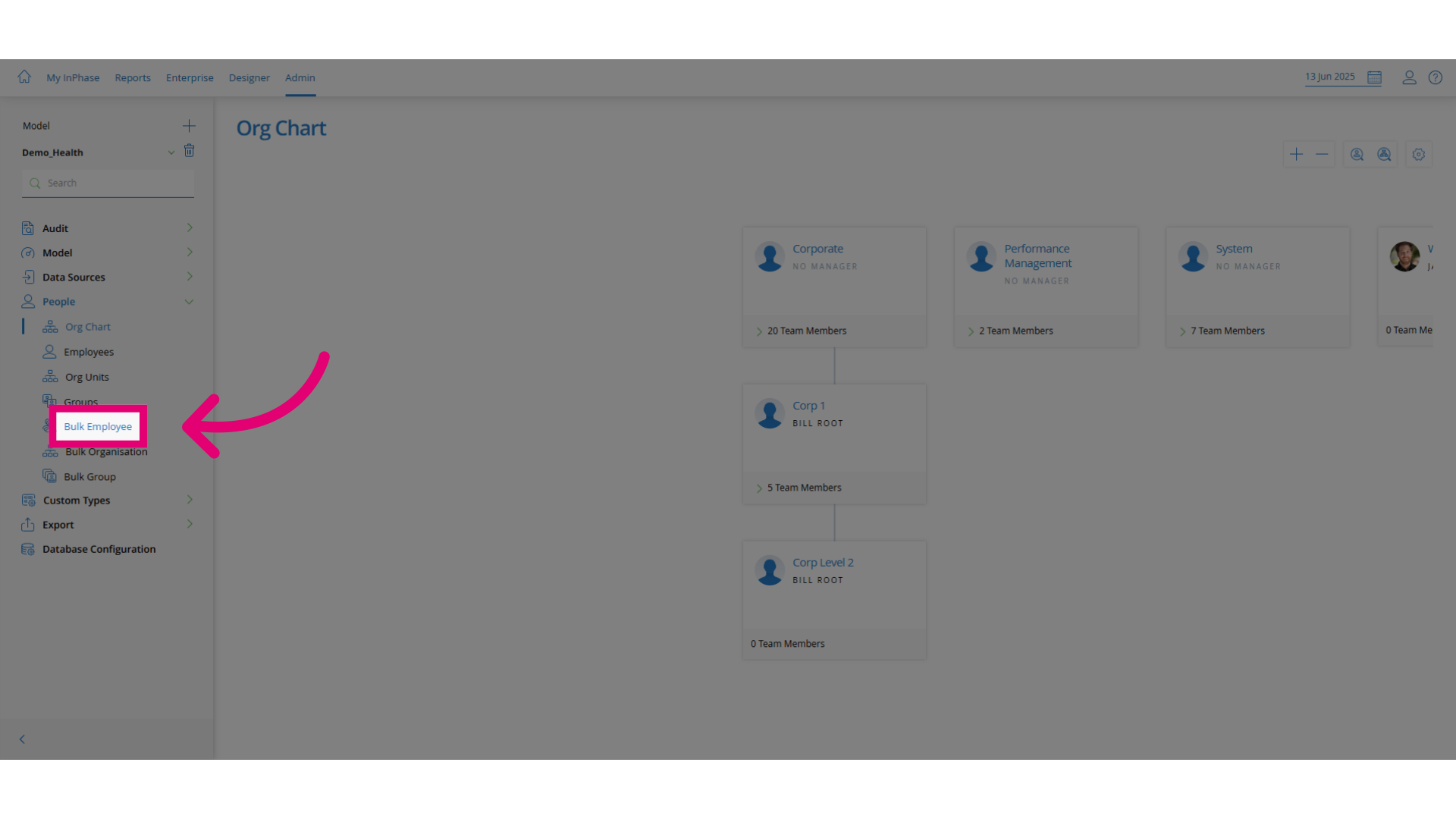
Click Bulk Employee to select the bulk update option.
-
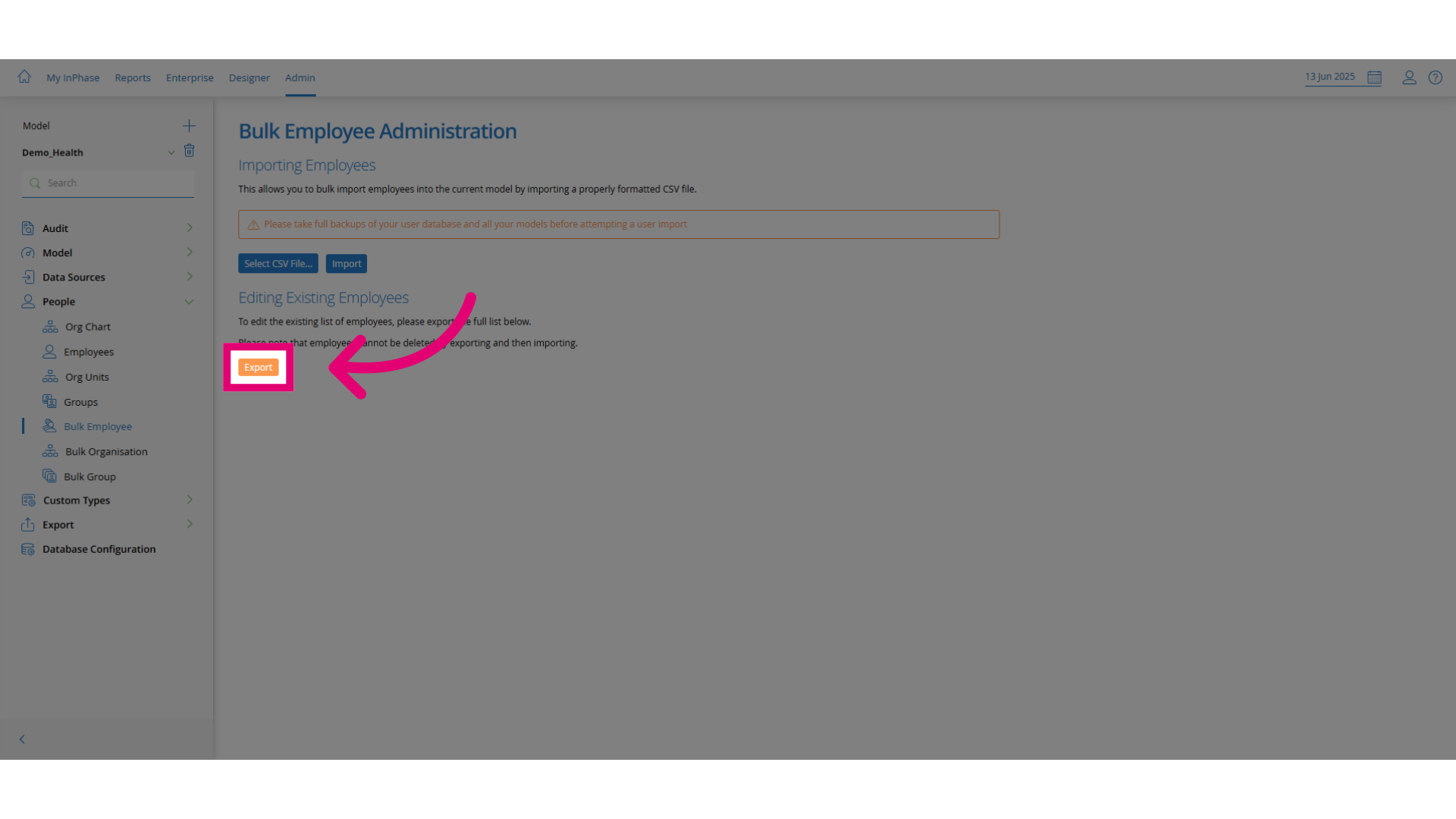
Click Export to download your current employee data.
-
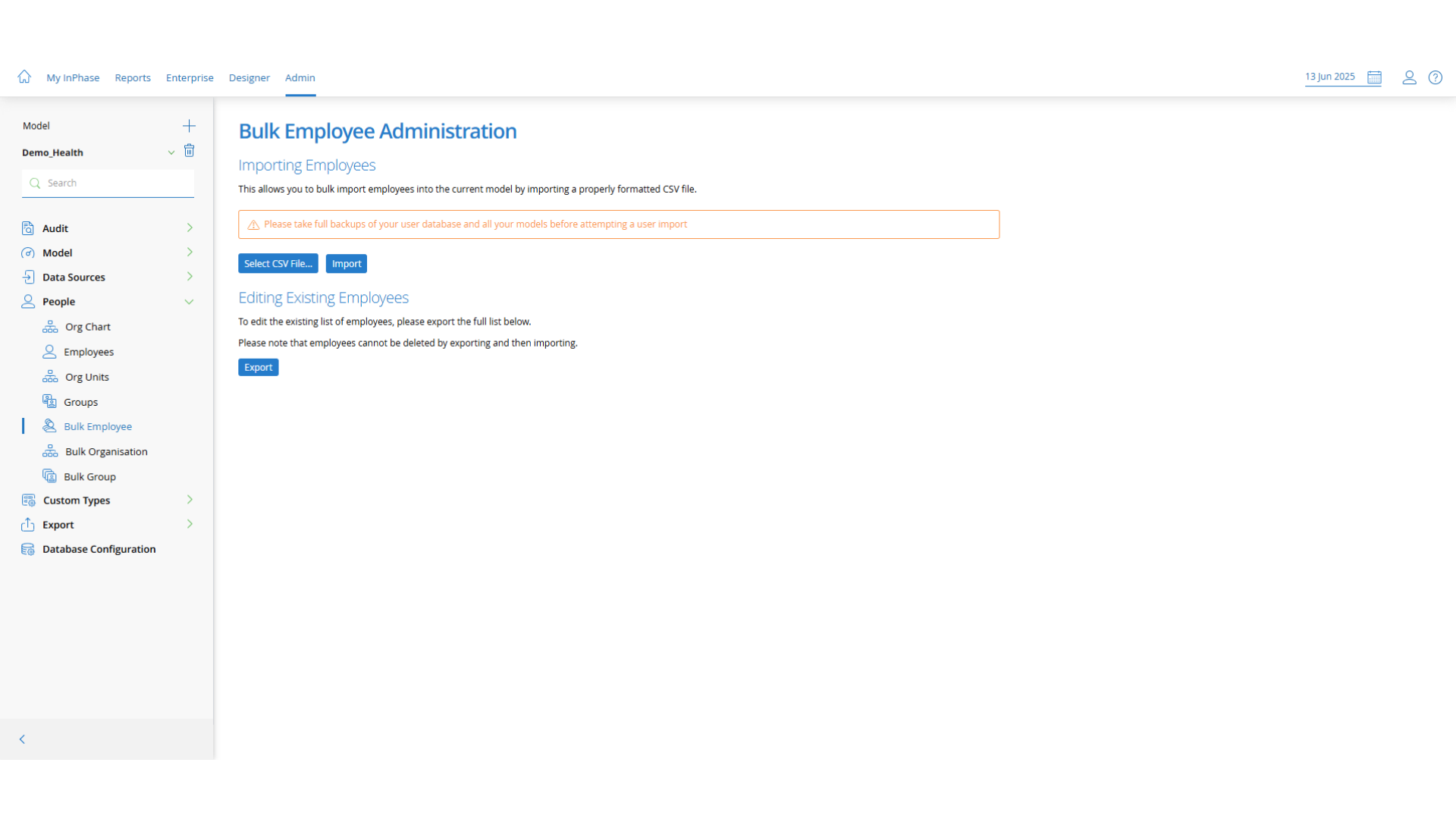
Open the file in Microsoft Excel. Update the employee records or add
new ones. Make sure each entry is formatted precisely, or the import
will fail.
-
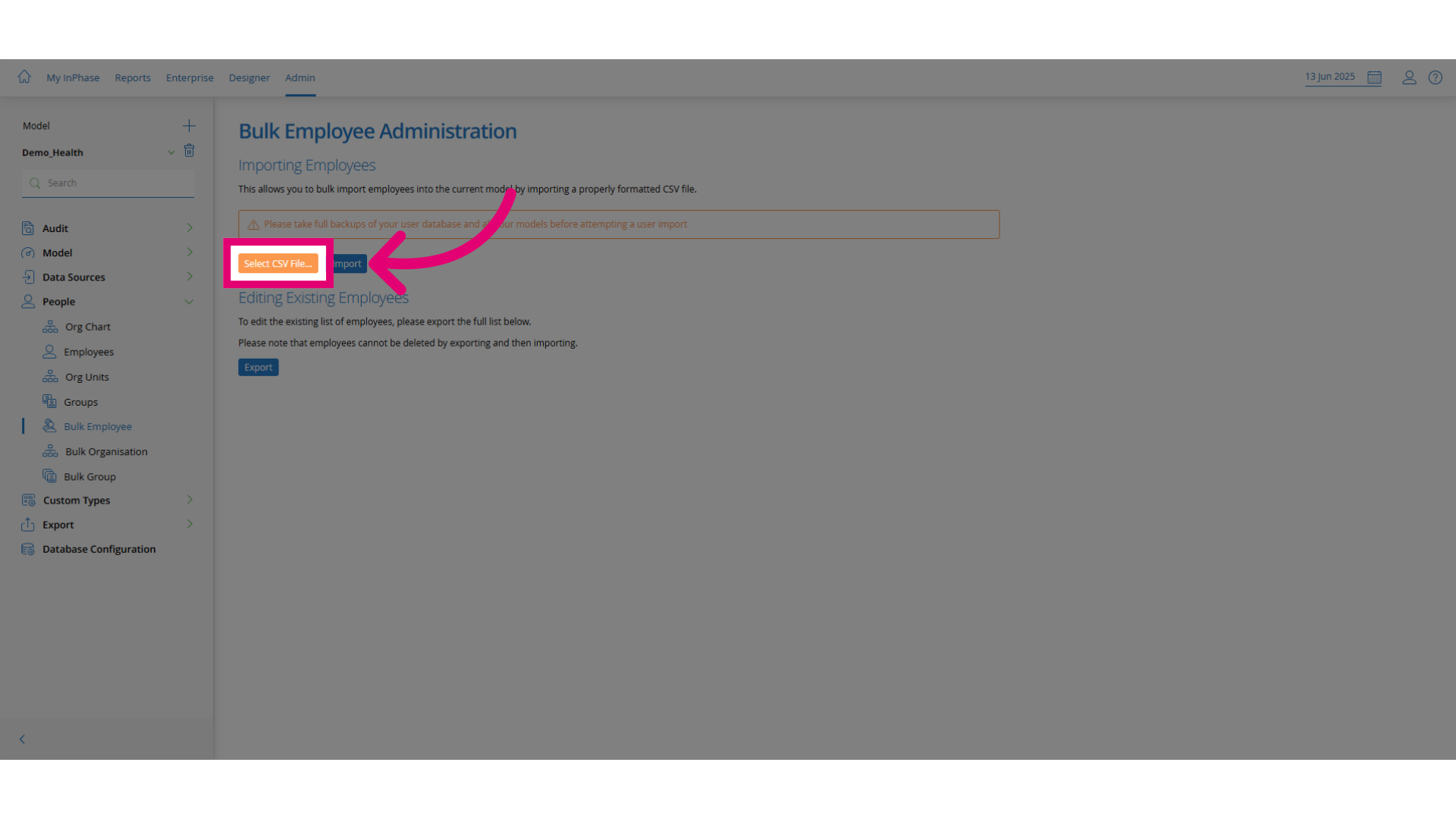
Click Select CSV File... to upload your updated file.
-
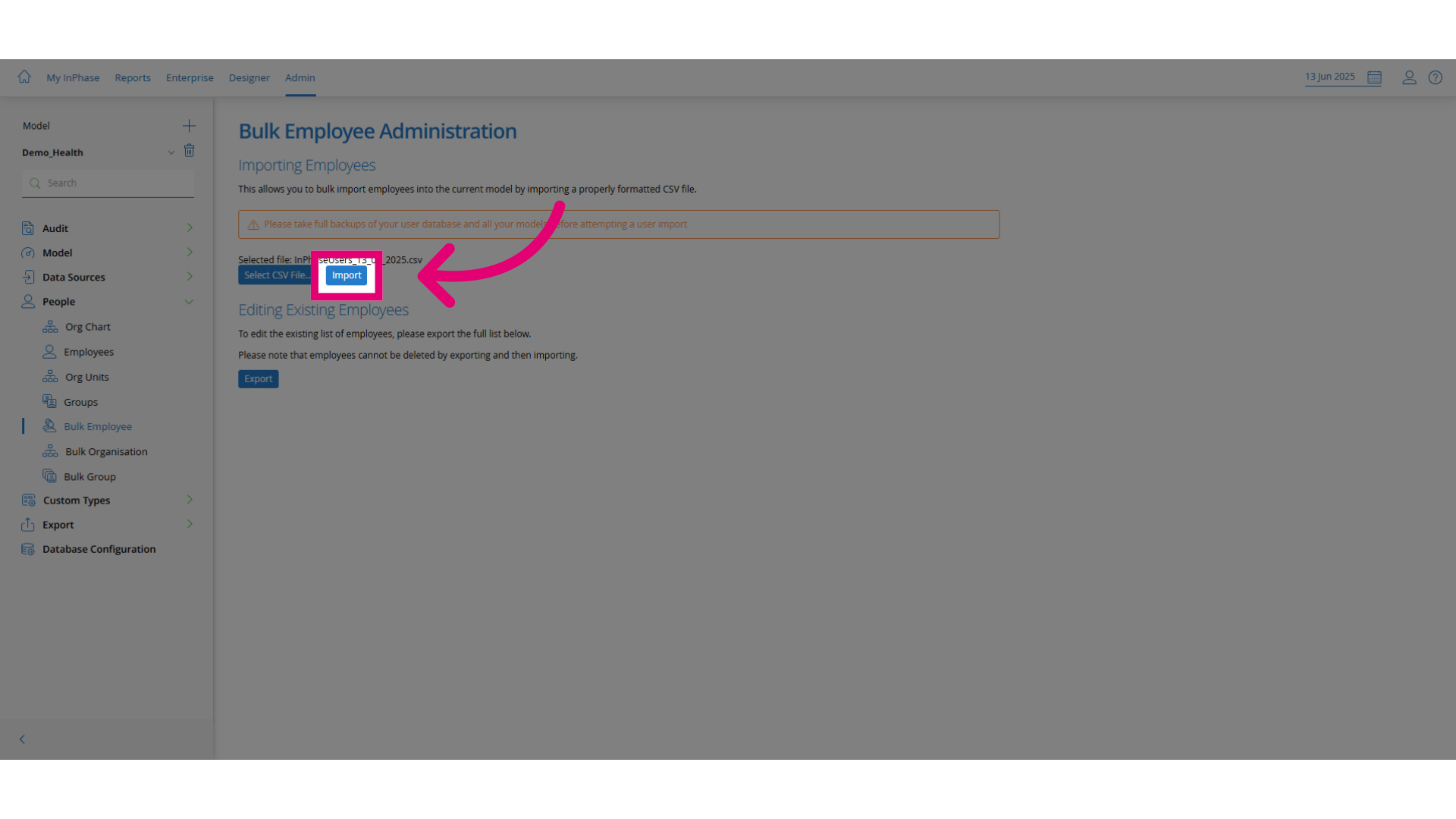
Click Import to finalize the update.