New article
Recently updated
Editing an employee

Who is this article for?
Administrators managing users.
Administrator access is required.
This guide will walk you through the process of editing a user profile in Ideagen Healthcare Guardian.
Editing a user profile is an essential administrative task that ensures user information remains accurate, up to date, and aligned with organisational roles and responsibilities. Whether you're updating contact details, changing department assignments, or modifying access permissions, keeping user profiles current helps maintain data integrity, supports effective communication, and ensures users have the correct access to the tools and features they need.
By following this guide, you'll be able to confidently make changes to user records, helping your team stay organised and your system run smoothly.
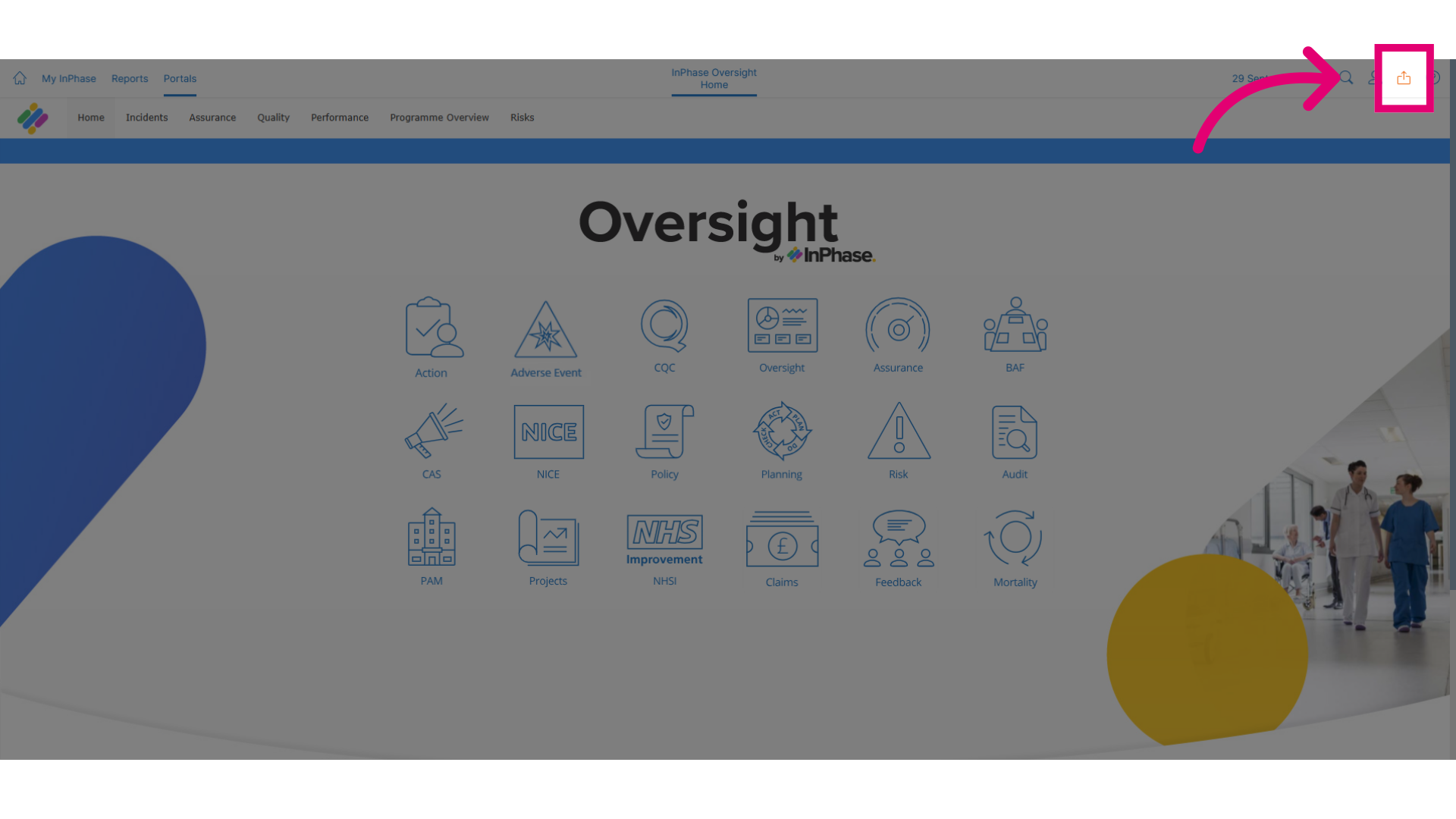
- To get started, click on the Send to button.
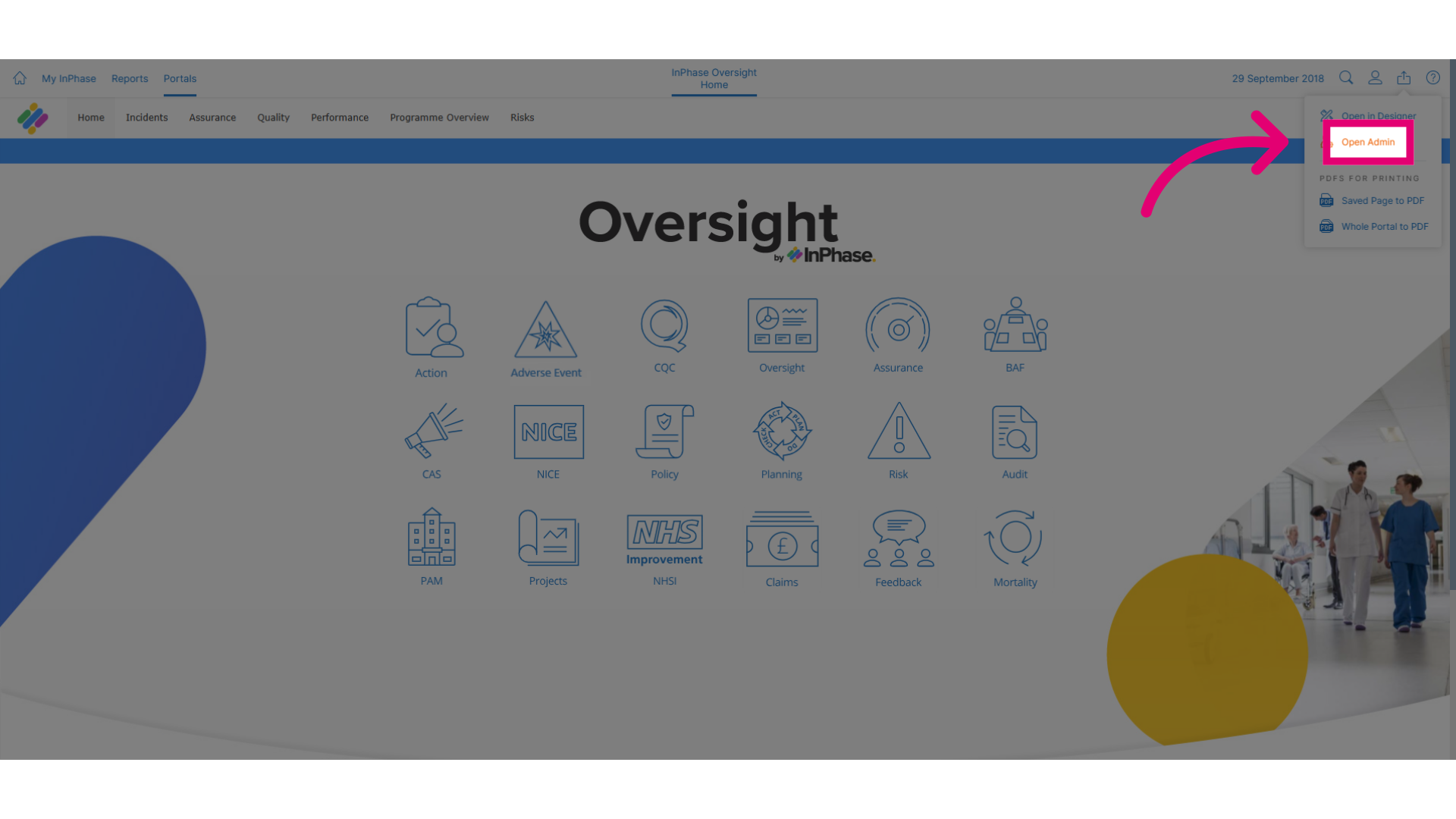
- Click Open Admin to access the administrative tools.
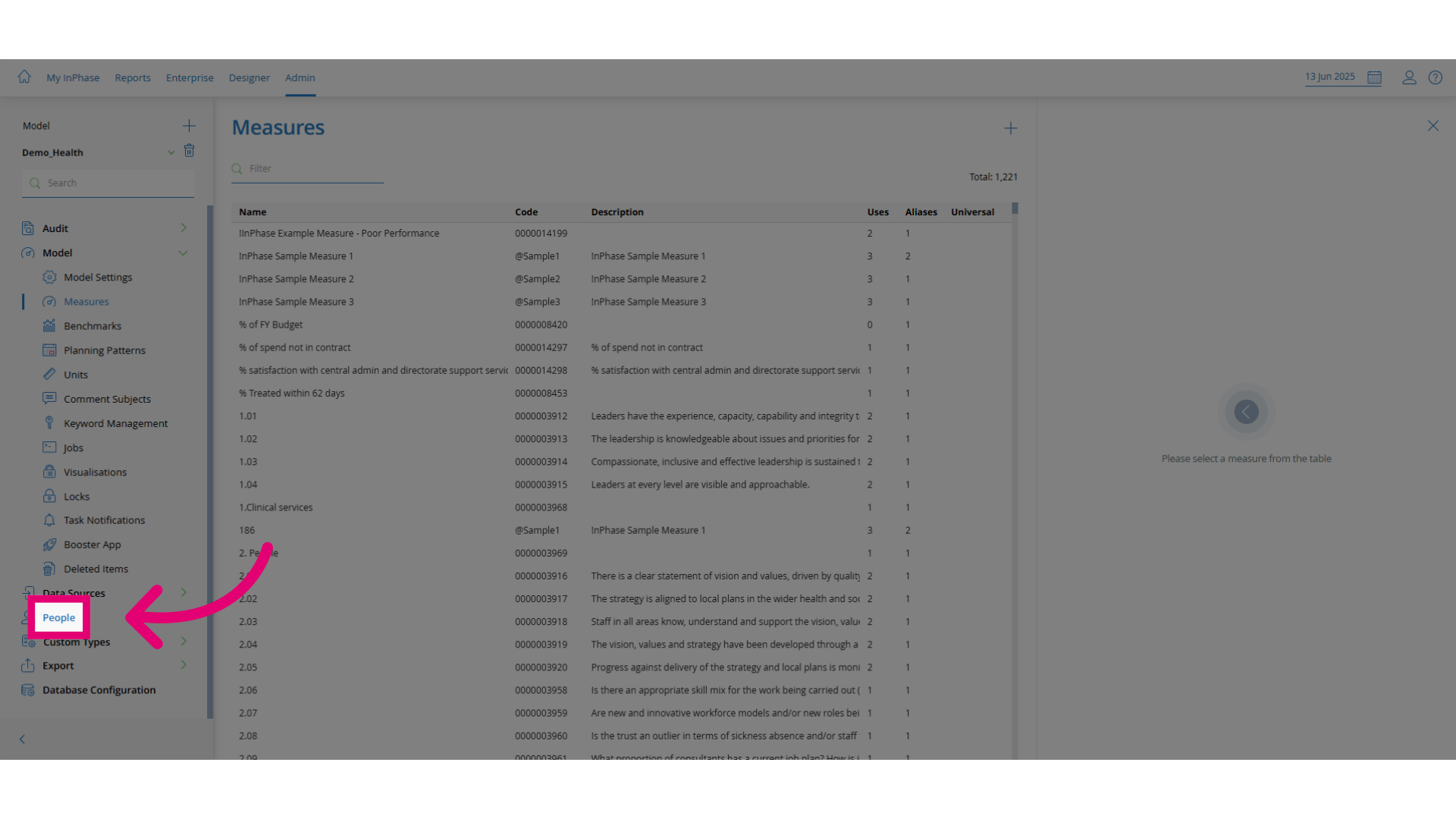
- Click People.
- Click Employees.
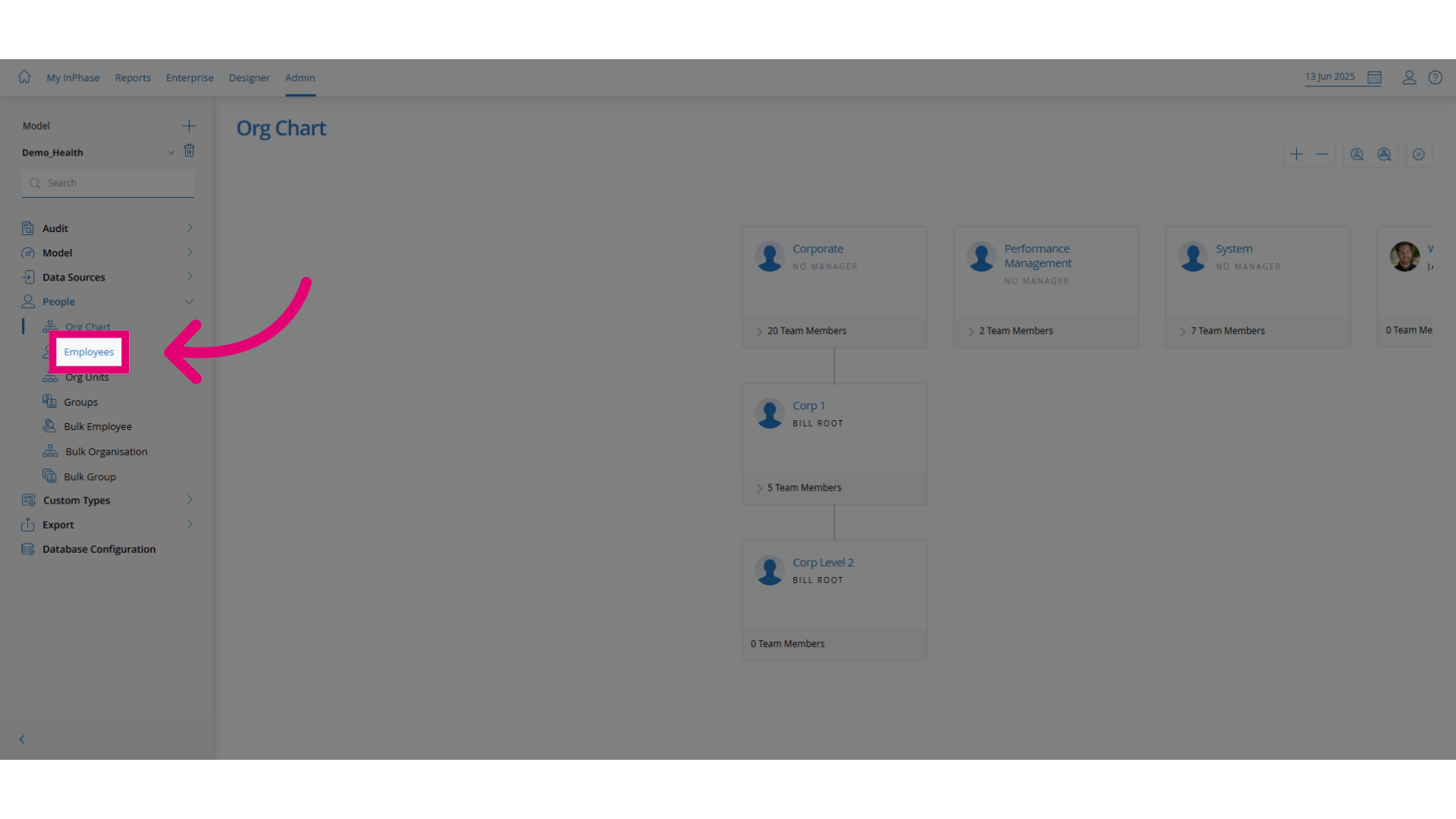
- Click Search to find the employee.
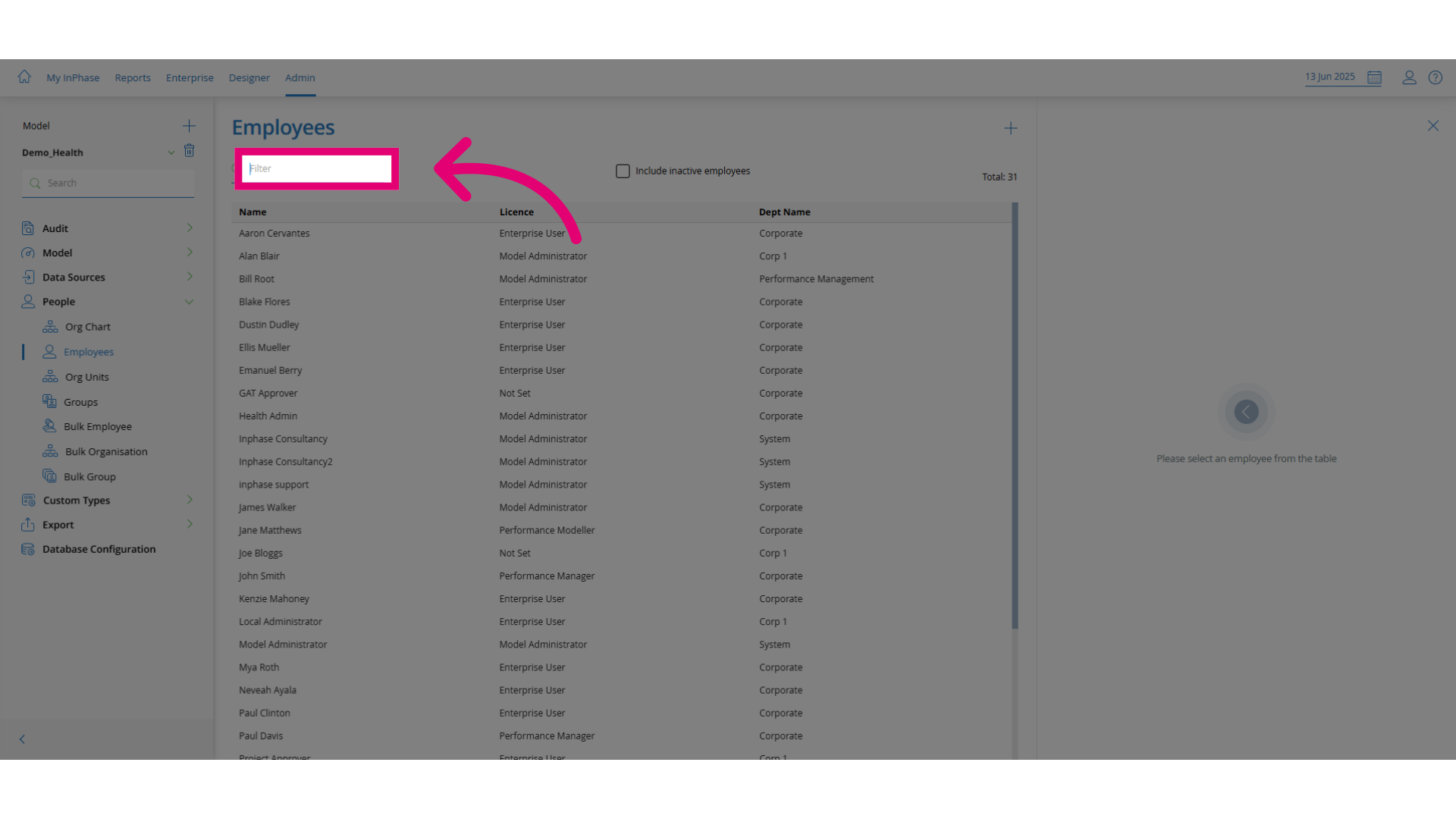
- Search for the user you need to find. You can use an asterisk as a wildcard.
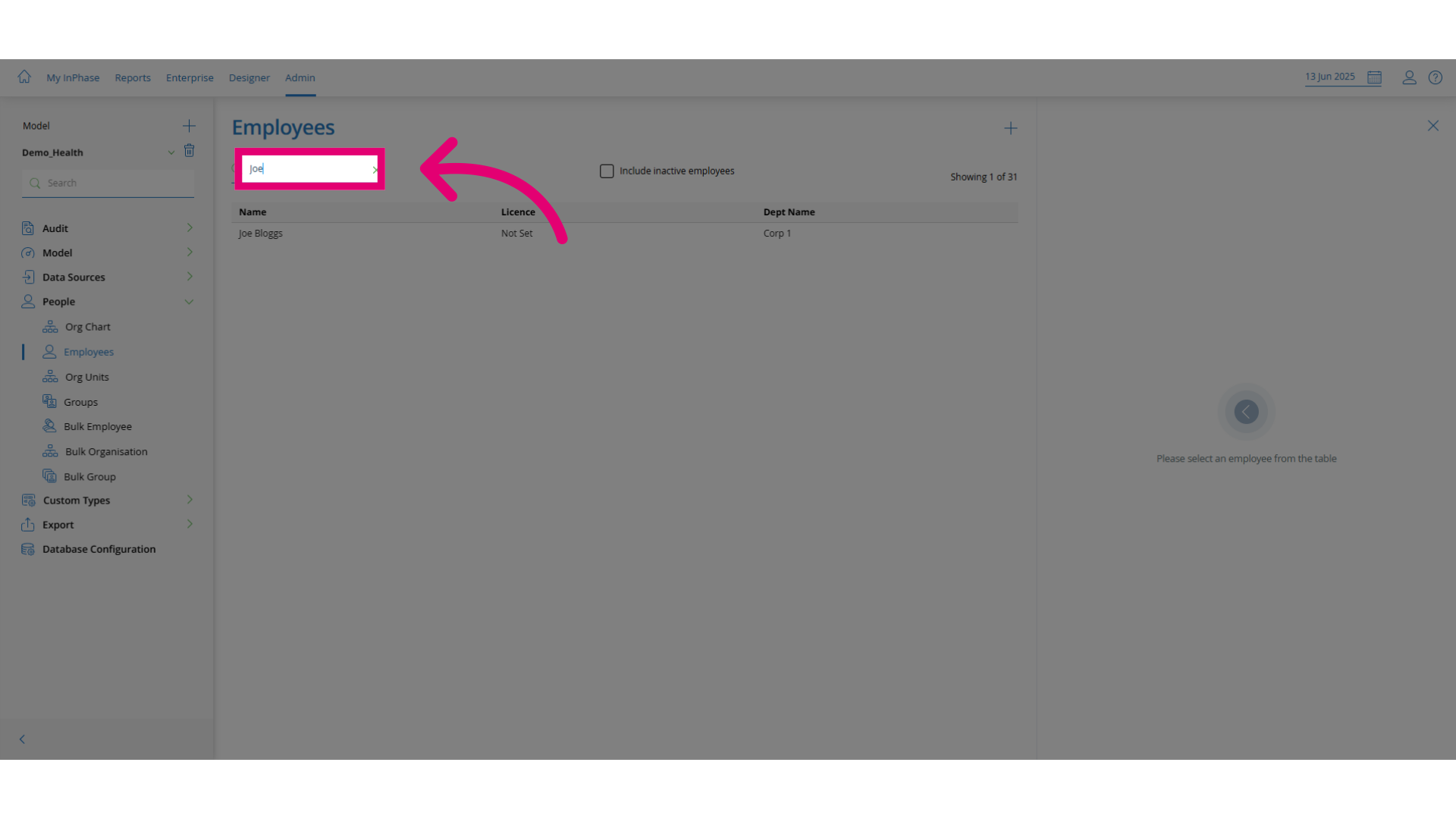
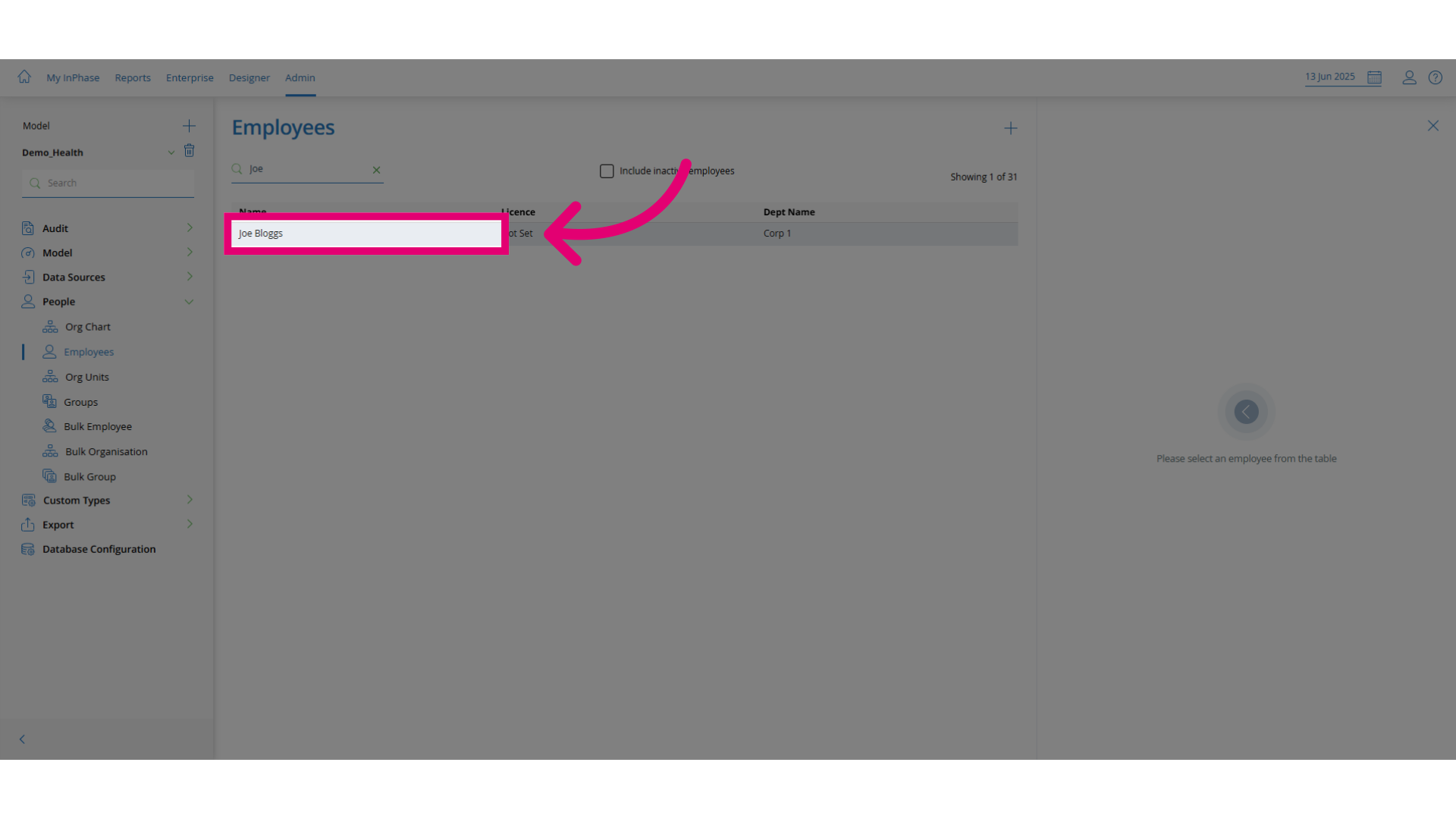
- Click the user to open their profile for editing.
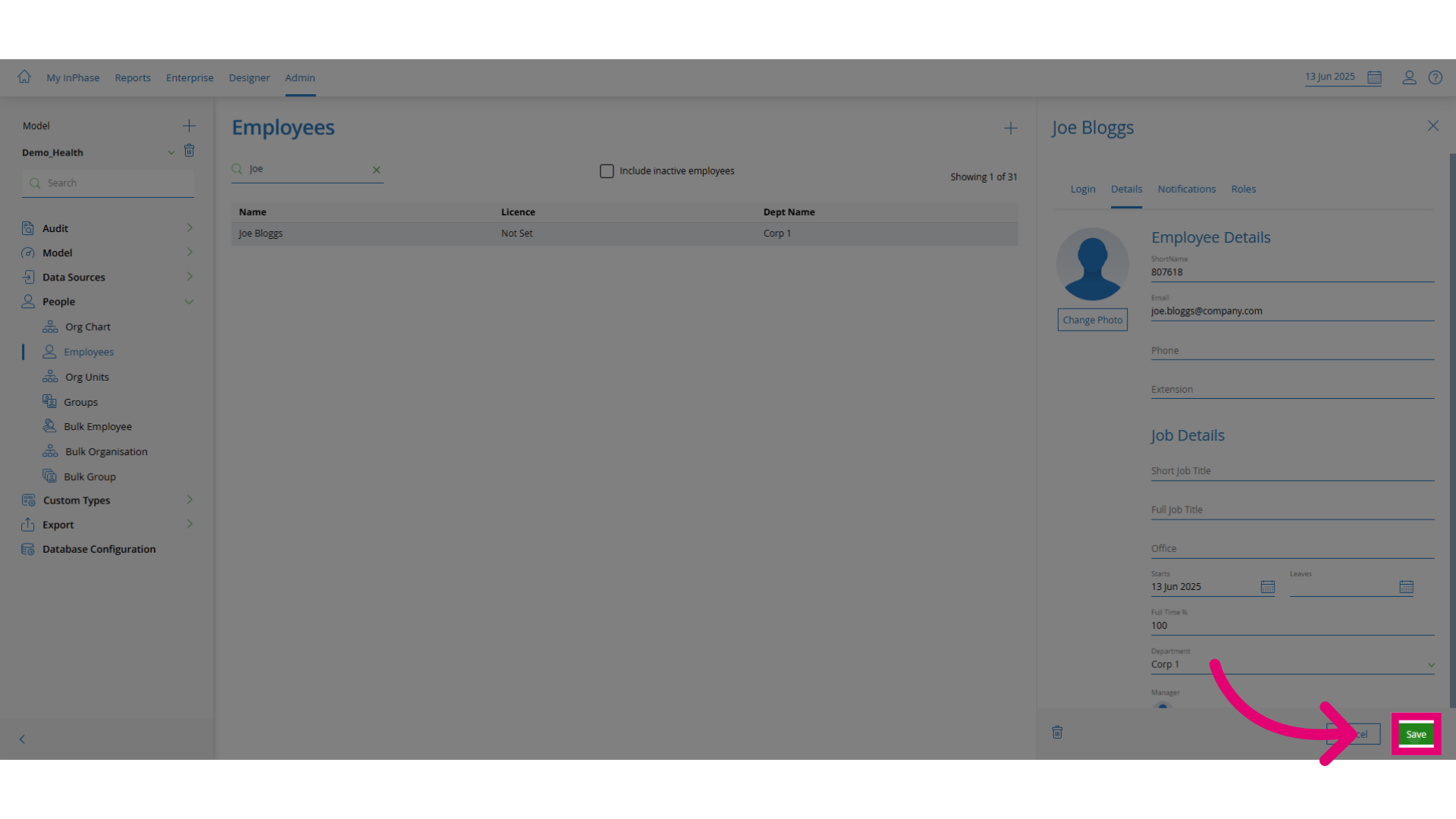
- Edit the fields that need to be updated.
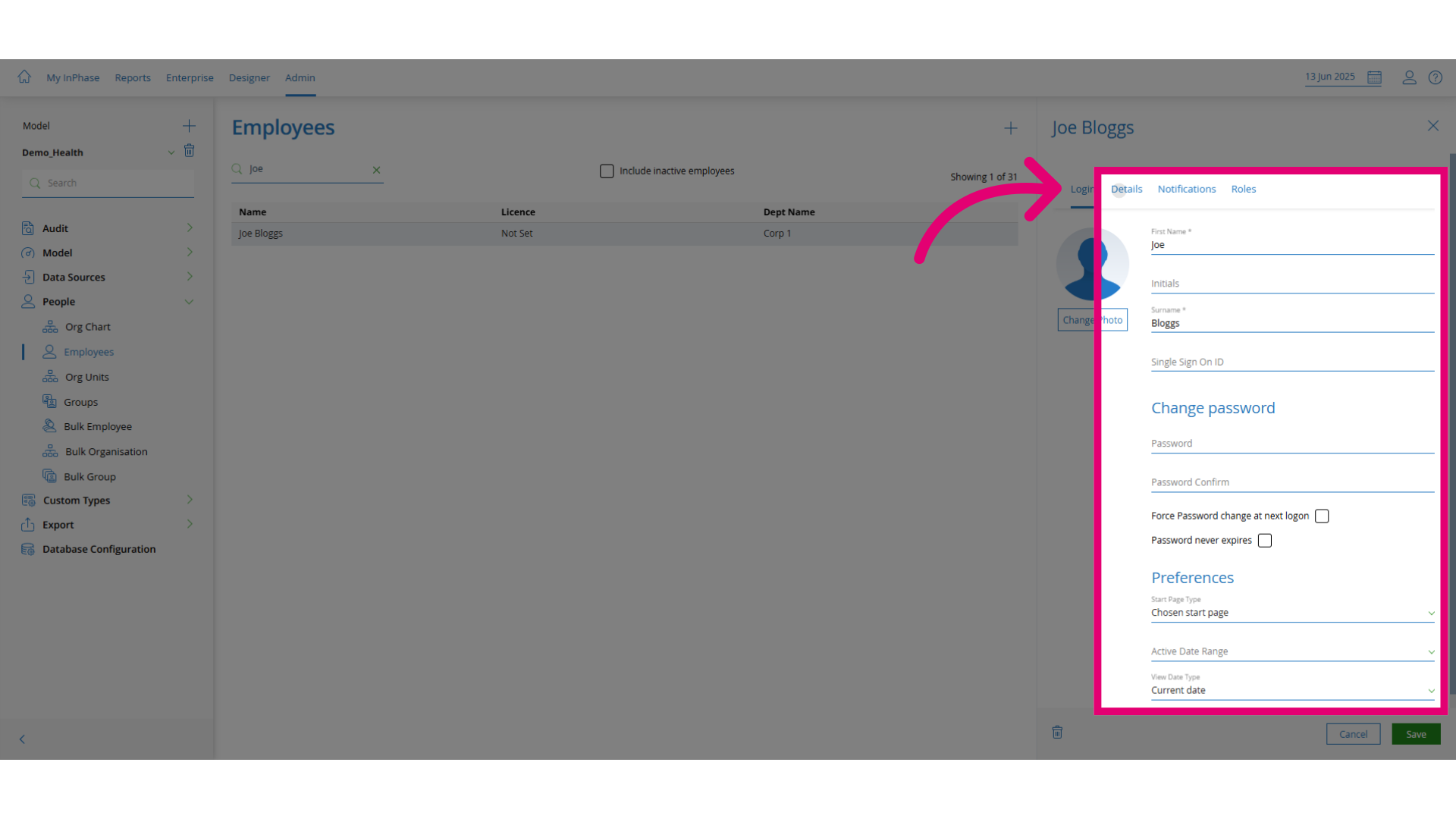
- Click Save to apply the changes.