New article
Recently updated
Capturing a new Risk

Who is this article for?Any user reporting a risk.
Risk access is required.
Effectively capturing and documenting risks is a critical part of any organisation’s risk management strategy. A risk is the possibility of an event or condition occurring that could have a negative impact on objectives, operations, or outcomes. These can range from financial losses and safety hazards to reputational damage or compliance failures.
This article will walk you through how to use Ideagen Healthcare Guardian to identify, assess, and document risks in a structured and efficient way.
- Introduction: From defining hazards to setting target impacts, this guide will walk you through the process of capturing a new risk step by step.
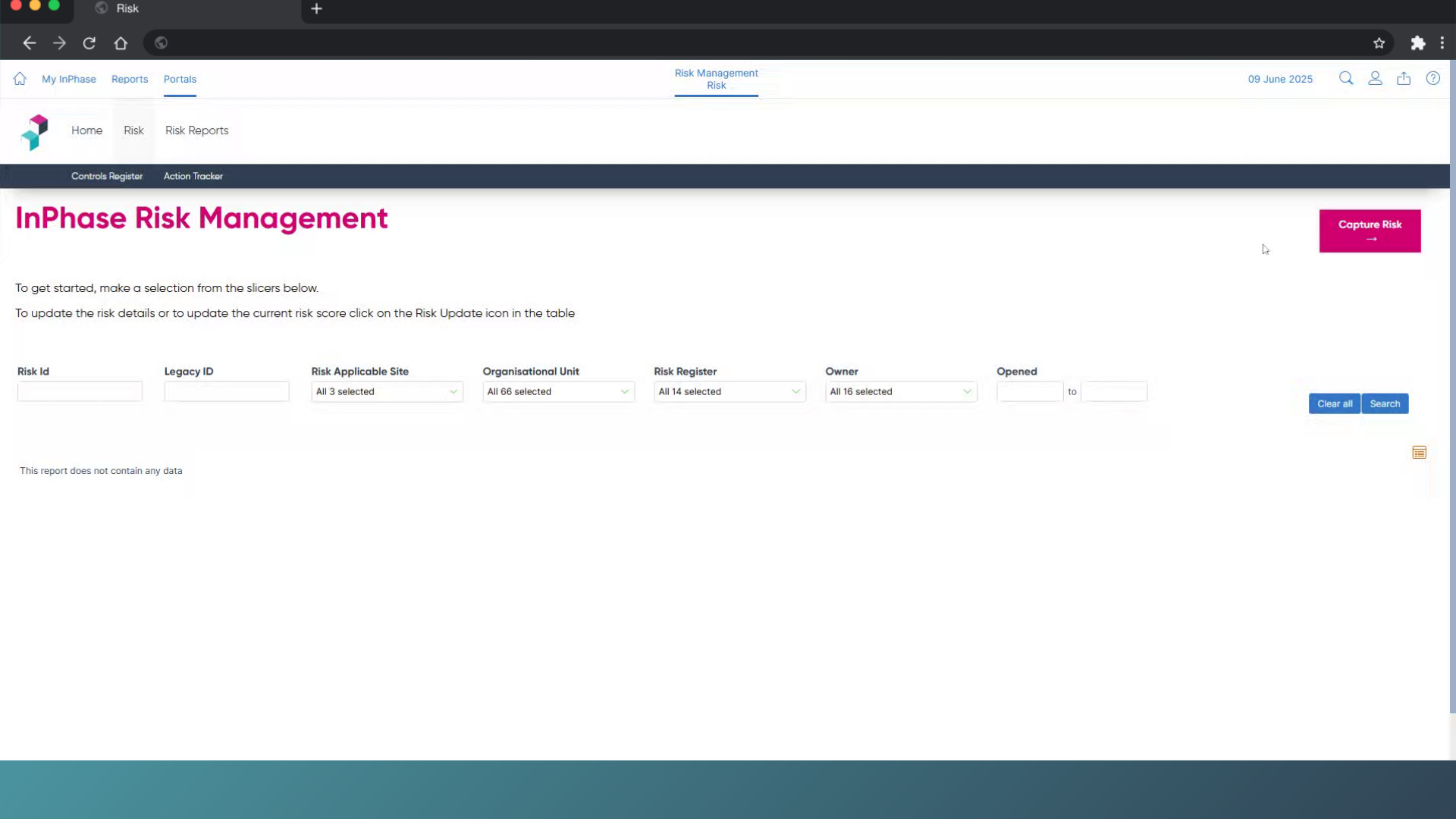
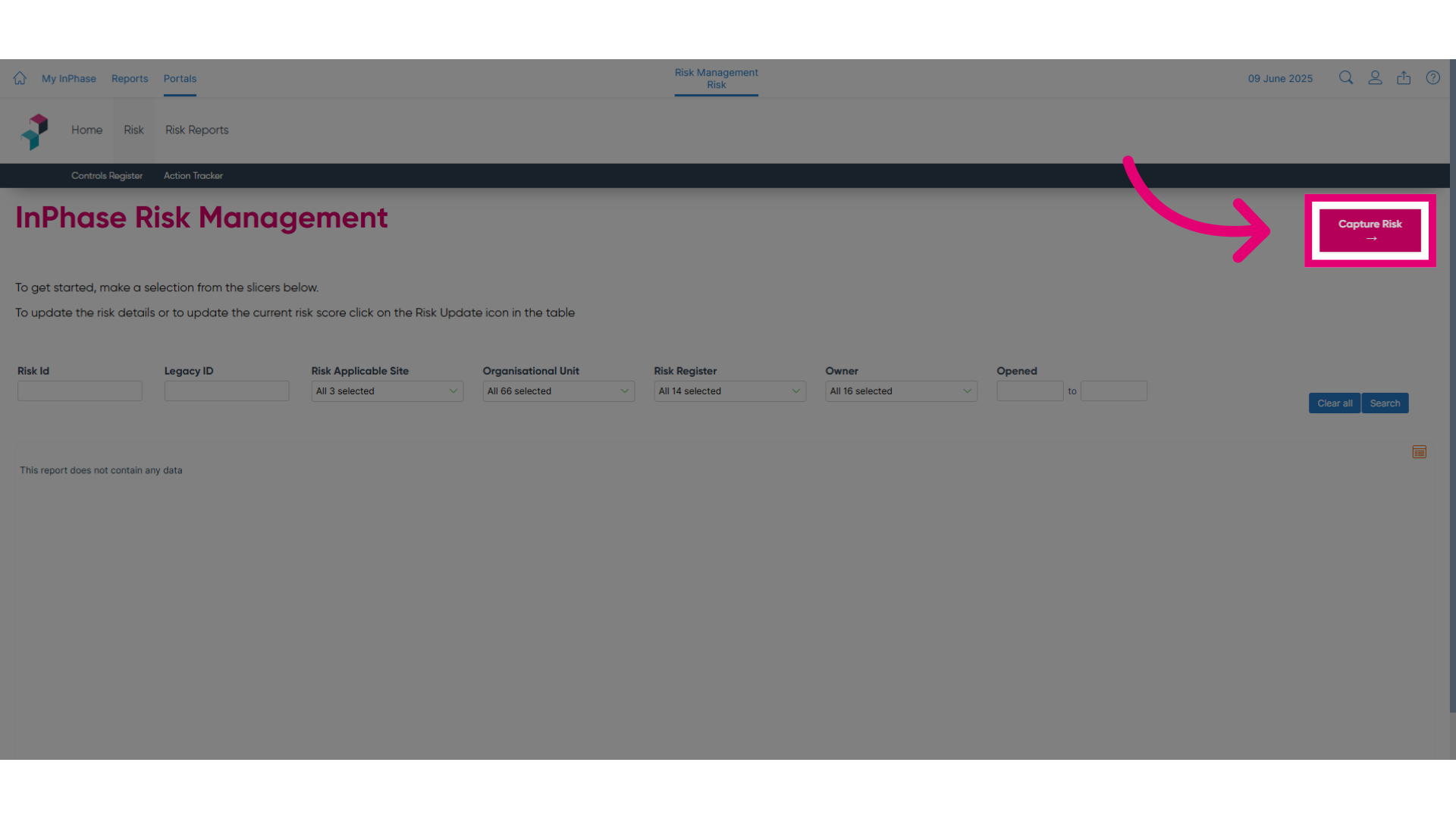
- Click Capture Risk: To get started, click Capture Risk.
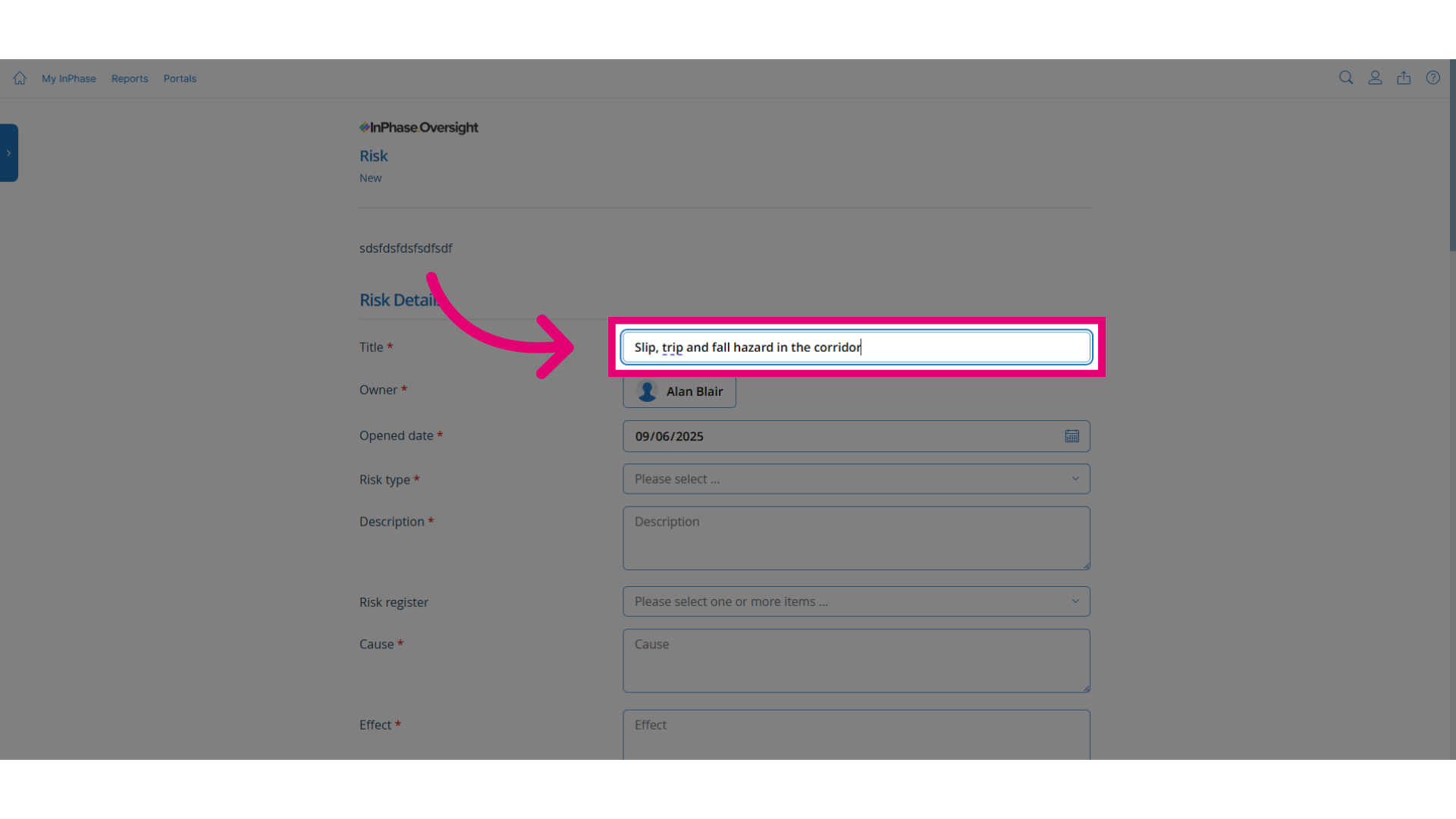
- Enter a title: Enter the risk title. This should be a clear and concise title that others will recognise.
- Click Risk type: Classify the risk.
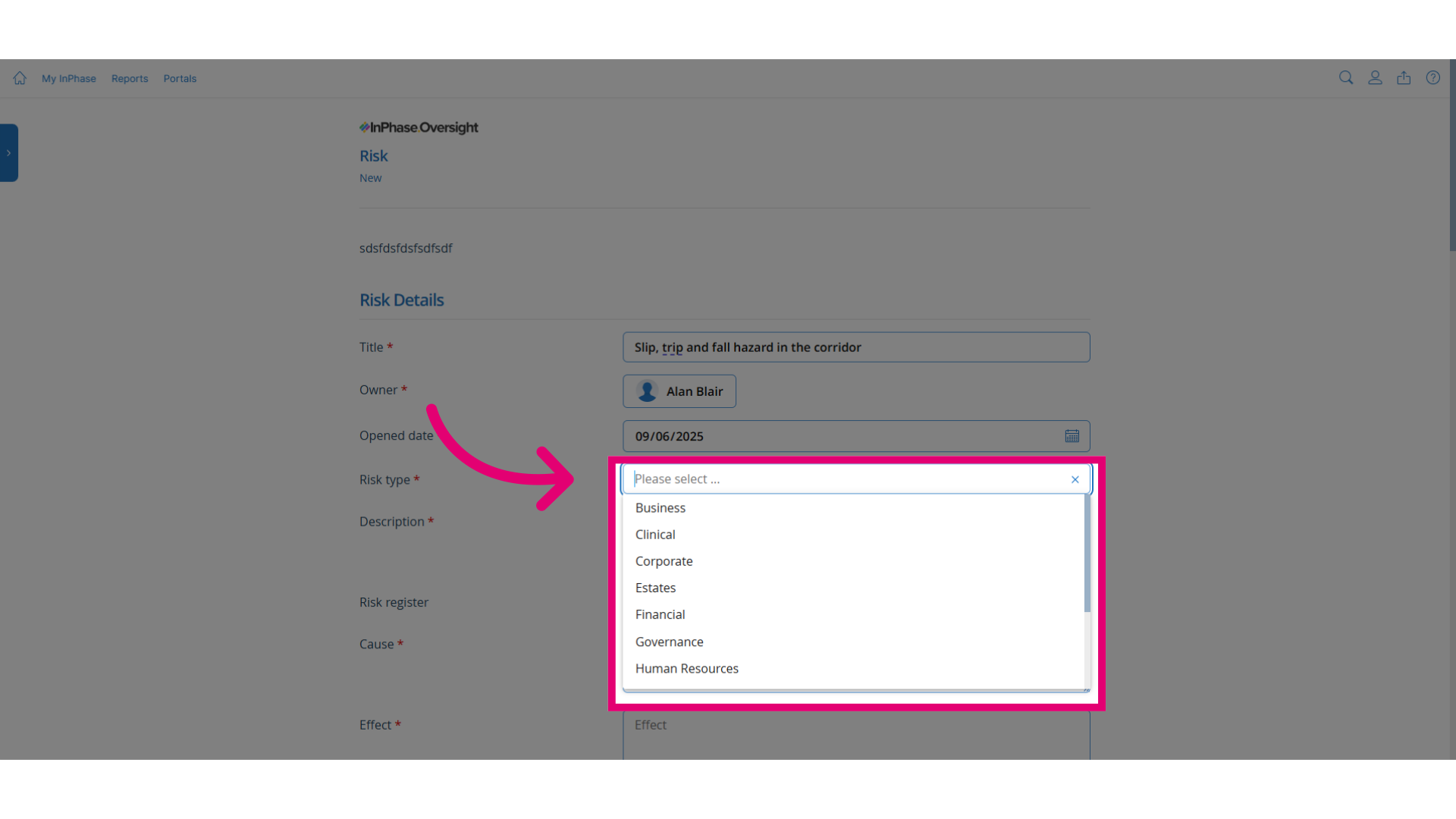
- Enter a description: Describe the hazard or risk in simple language for others to understand.
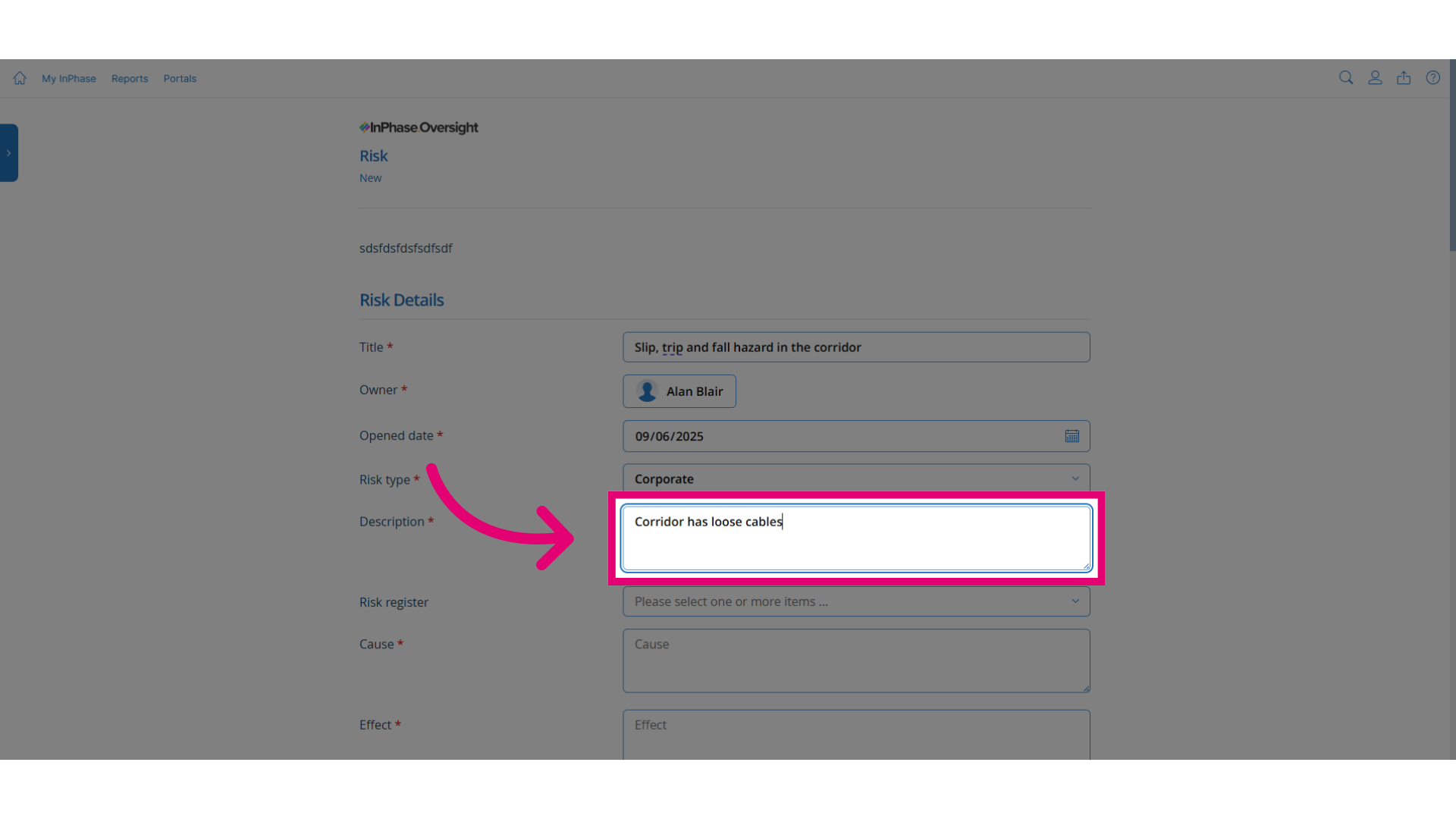
- Click Risk register: Select the risk register that this risk should be part of.
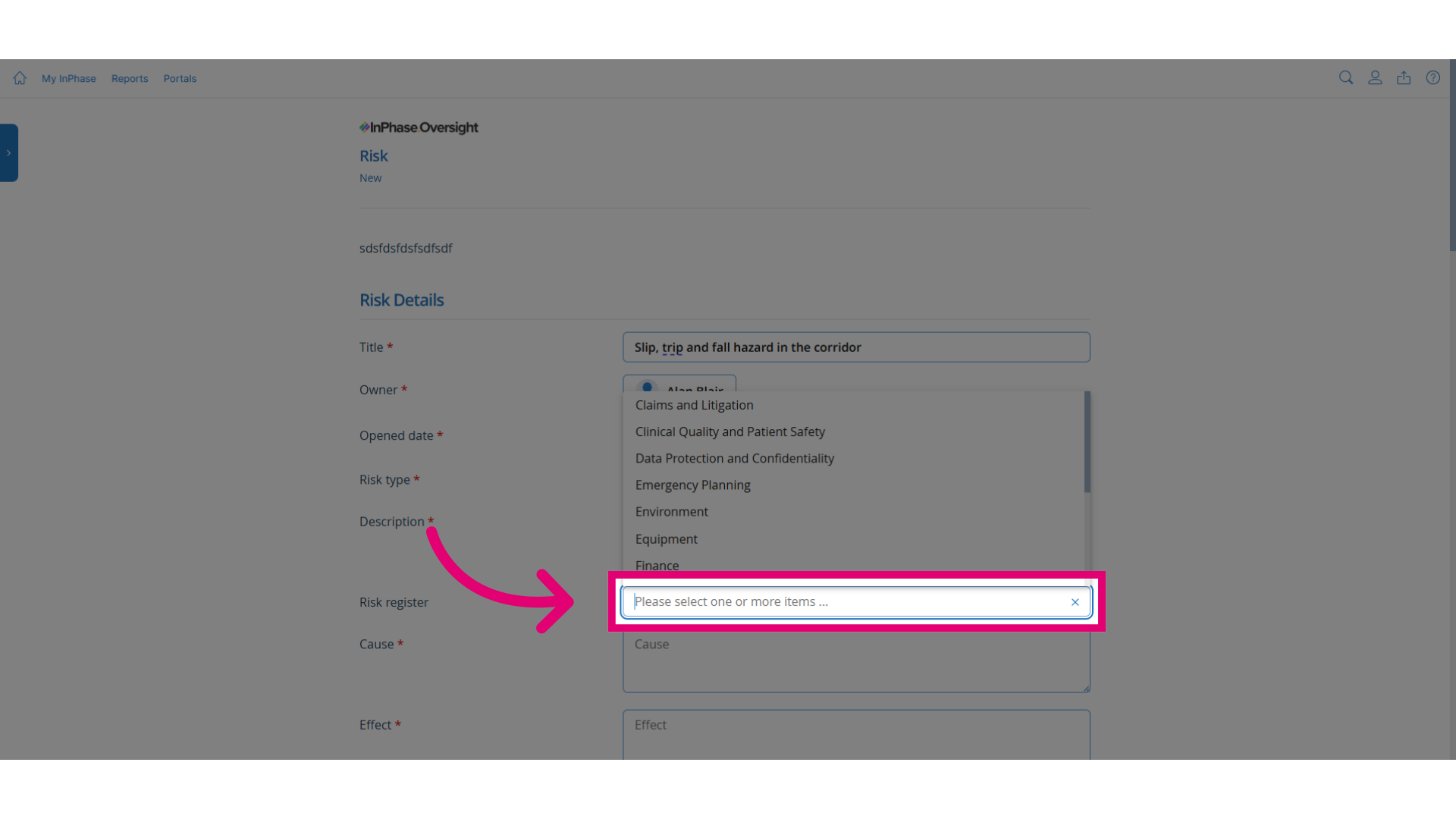
- Update the cause and effect: Identify the cause of the risk and the effects this will have. Next set the objectives of the risk.
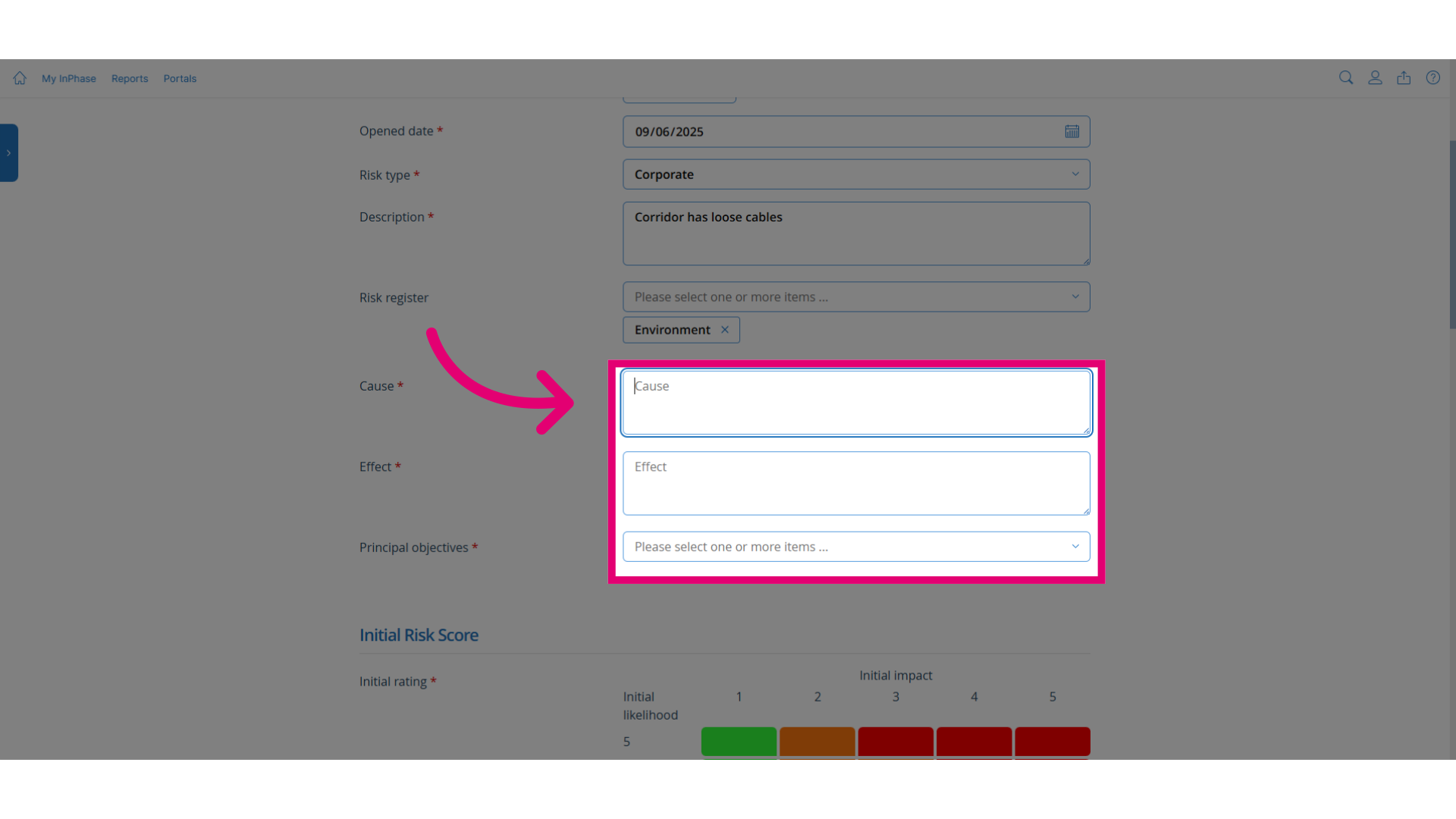
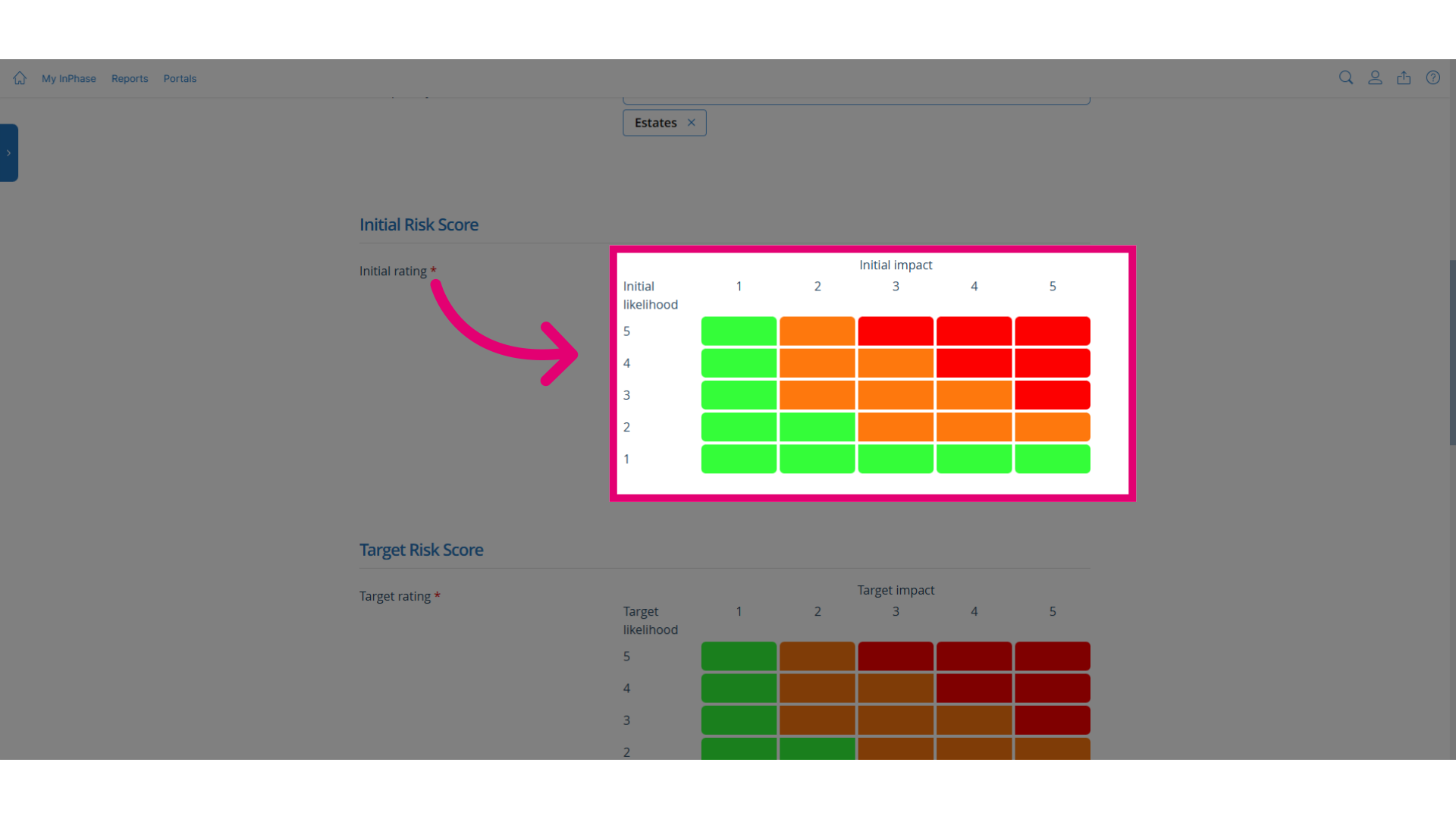
- Click the relevant point in the matrix: Assign the initial risk score using the matrix. This is the risk score as it is now.
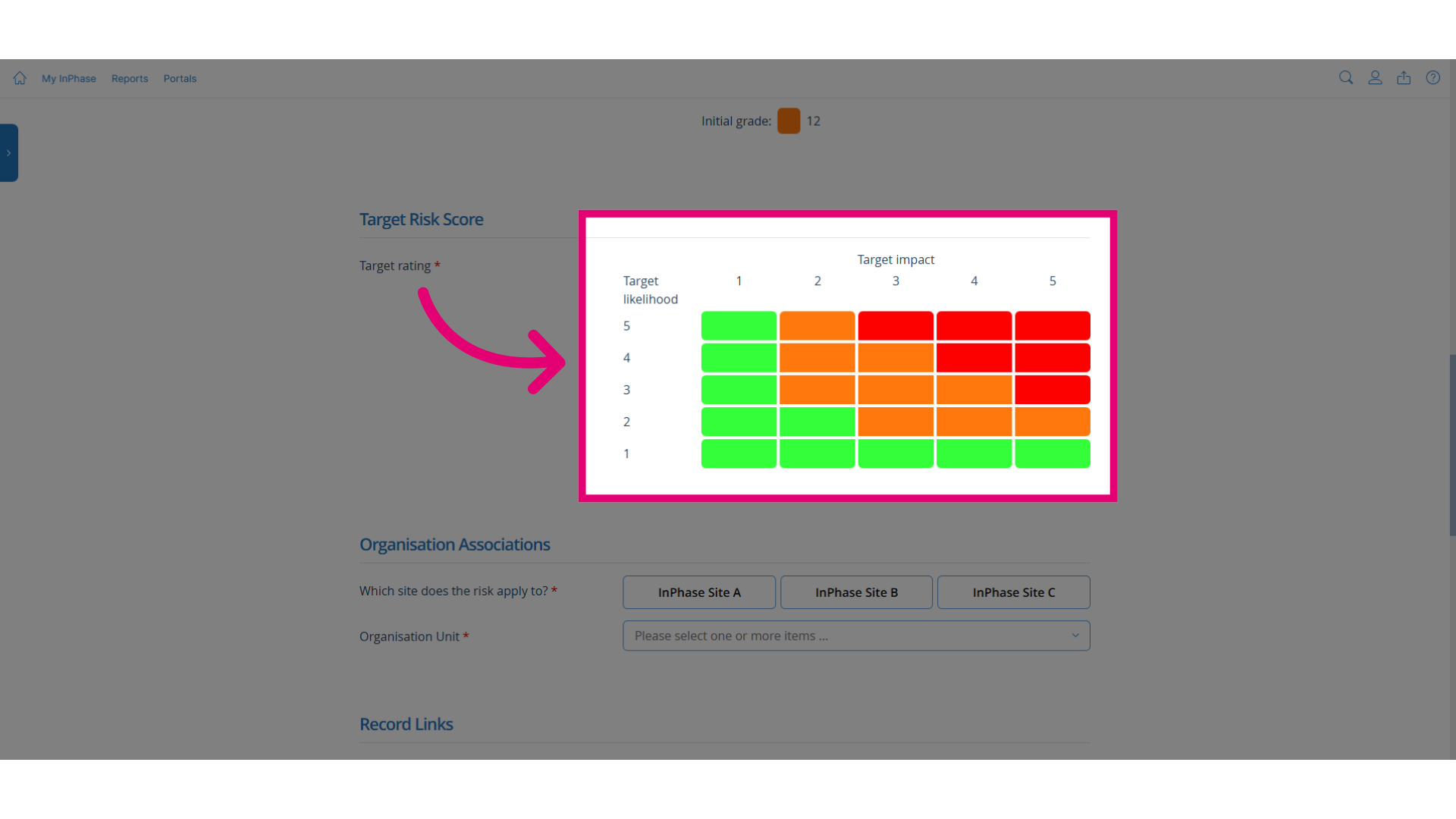
- Click the relevant point in the target matrix: Assign the target risk score using the matrix. This is the desired risk score for the event.
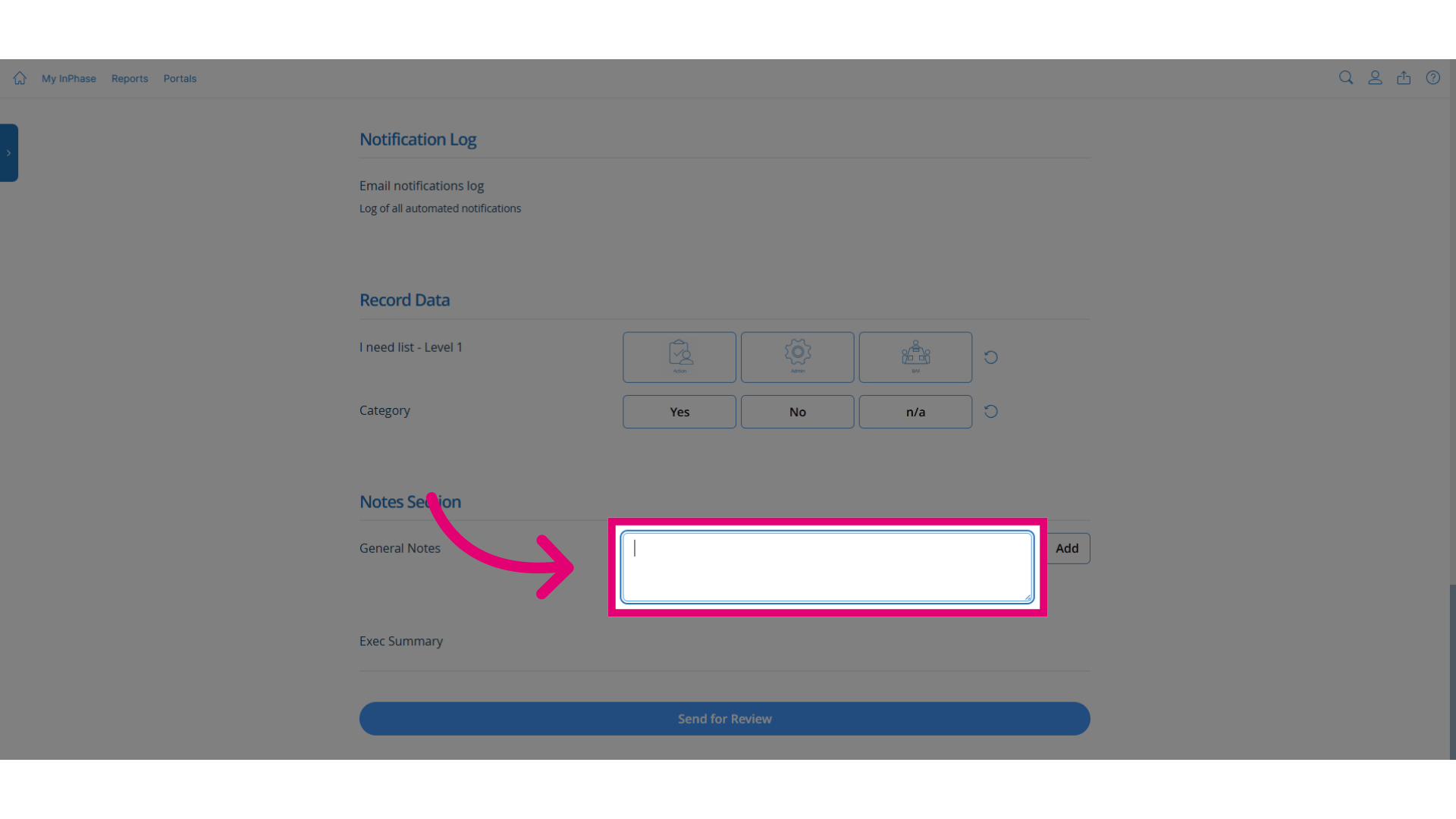
- Complete the remaining fields: Complete the remaining fields such as organisational unit and notes.
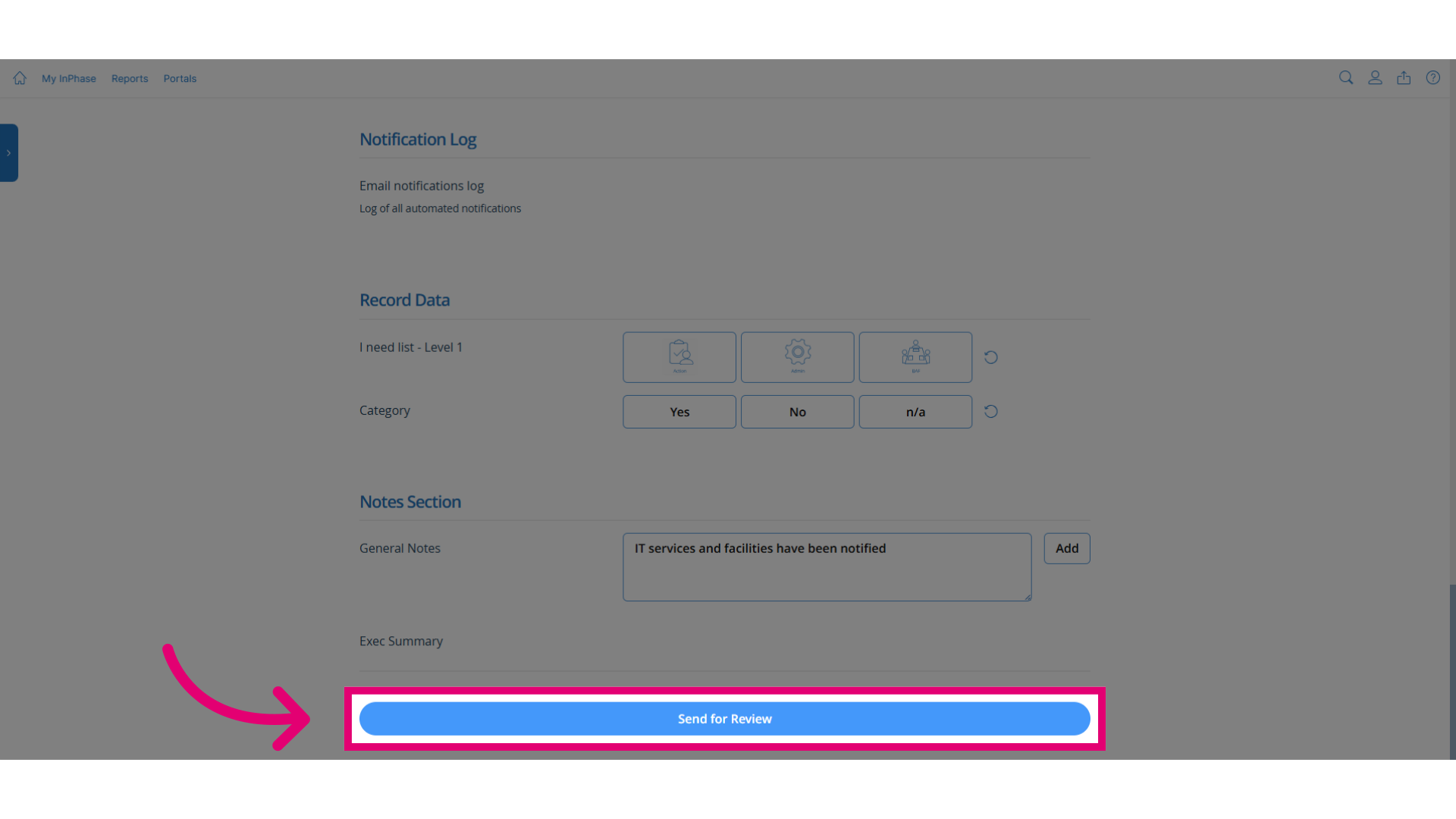
- Click Send for Review: Click Send for Review to complete the process.
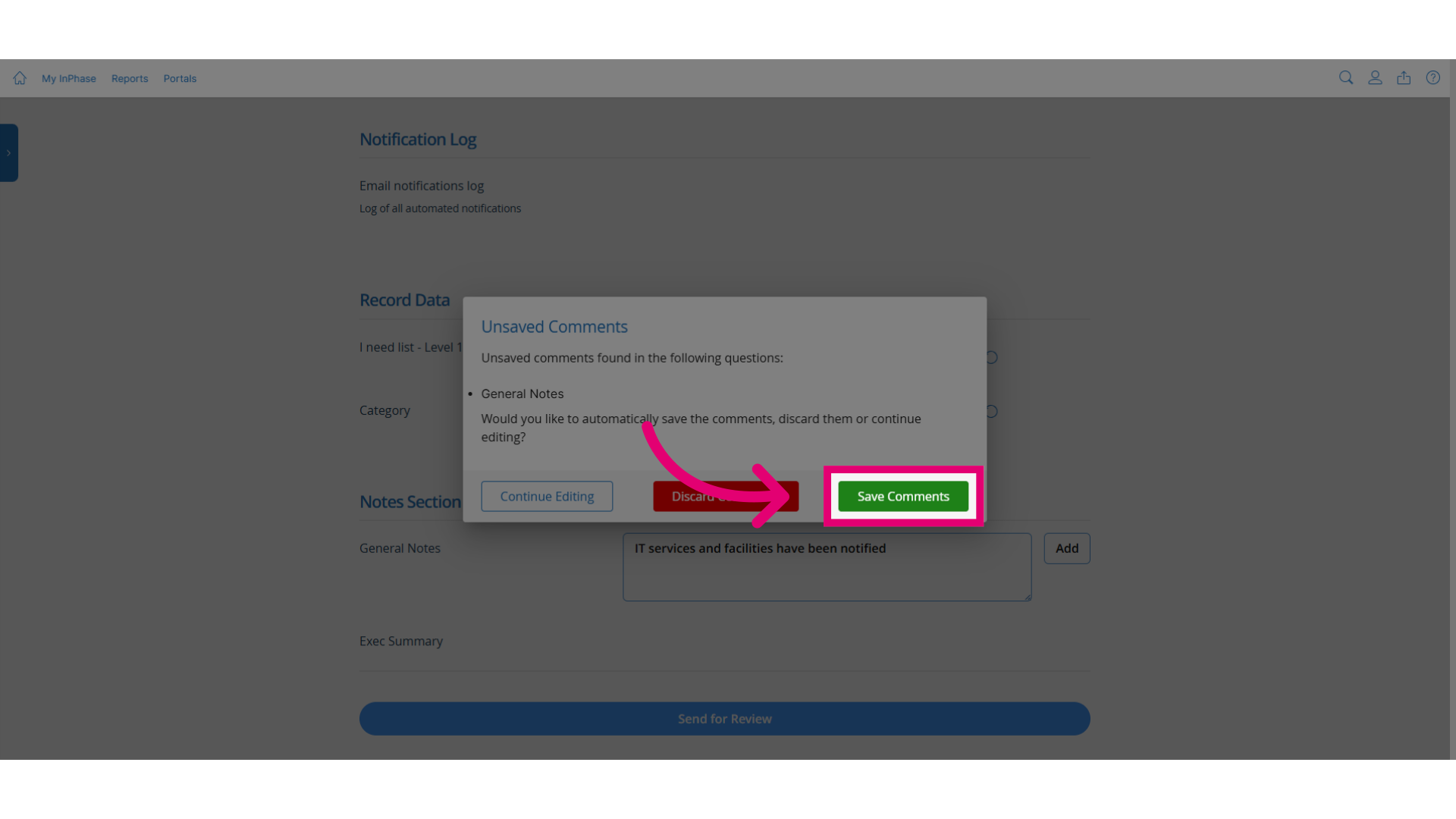
- Click Save Comments: If any notes have been entered but have not been added you will be prompted to add them by clicking Save Comments.