New article
Recently updated
Creating a new org structure in the org chart (organigram)

Who is this article for?
Administrators managing the org structure.
Administrator access is required.
An organigram is a visual chart that shows how an organisation is structured. It outlines the roles, departments, and reporting relationships within a company, helping people understand who does what and who reports to whom. Organigrams are useful for showing the hierarchy of leadership, organising teams, and improving communication by making it clear where each person fits in the bigger picture.
This article outlines how to create new items in the org chart.
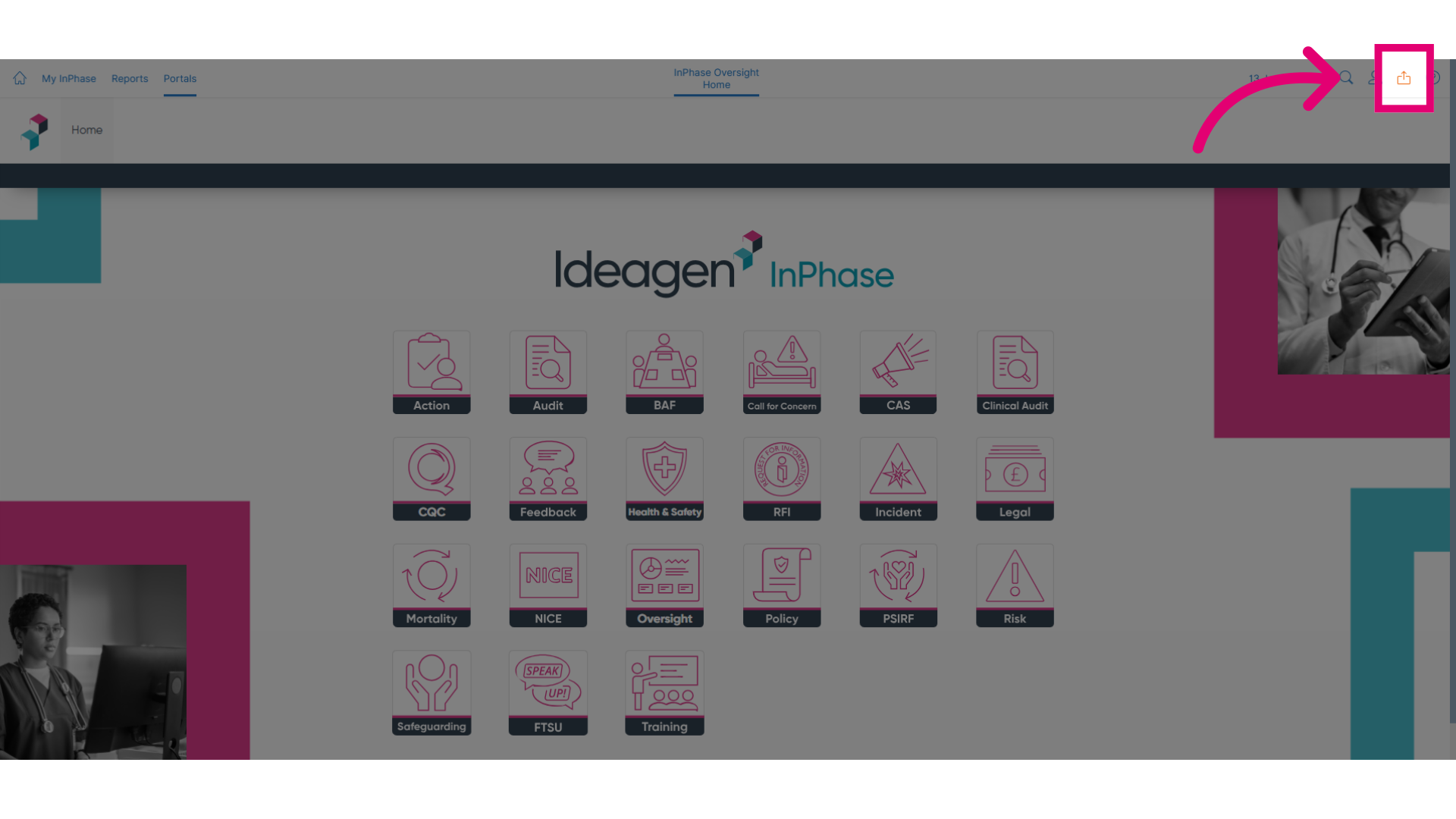
- Click the Send to button to begin the process.
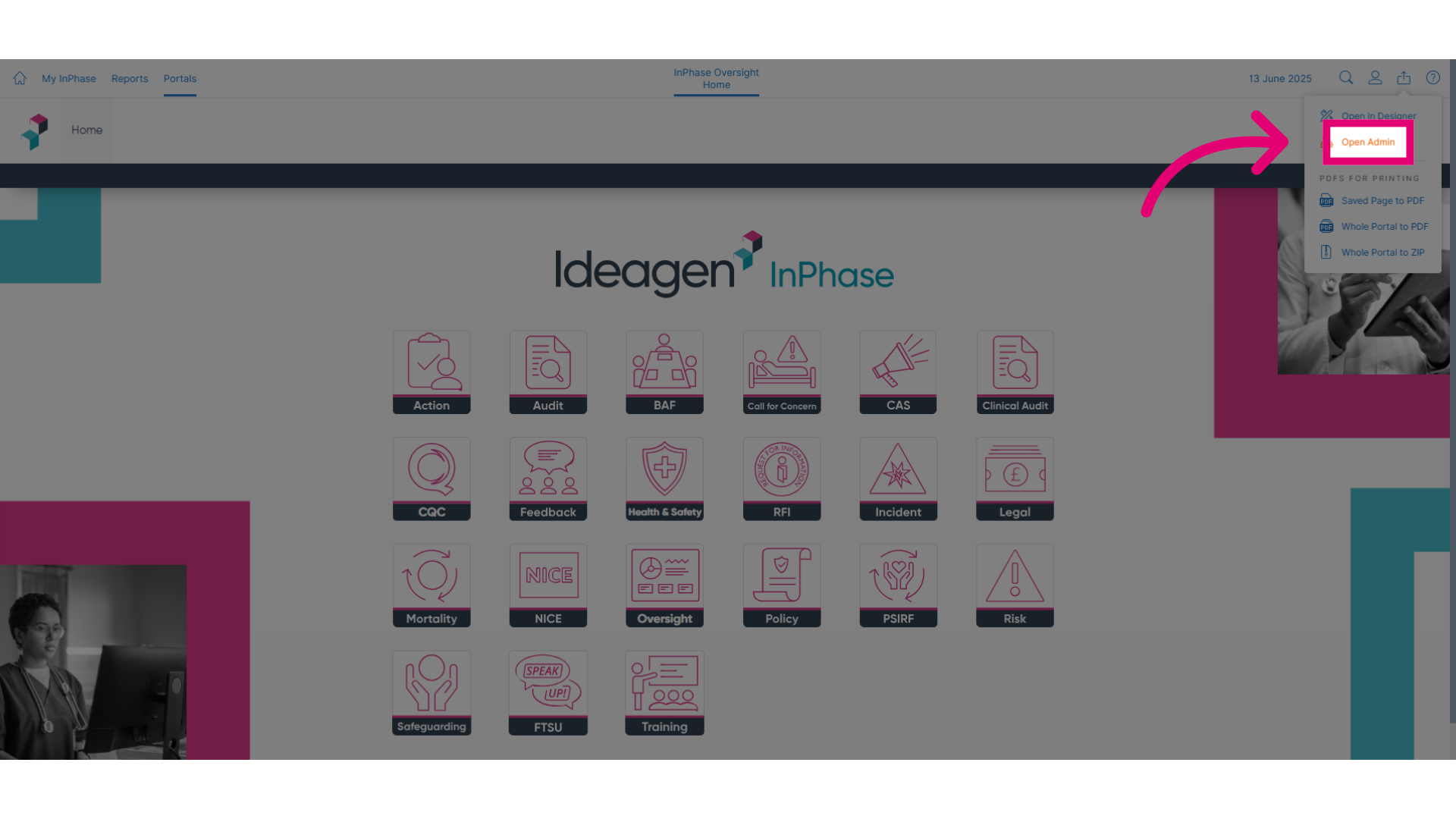
- Click Open Admin to access the admin settings.
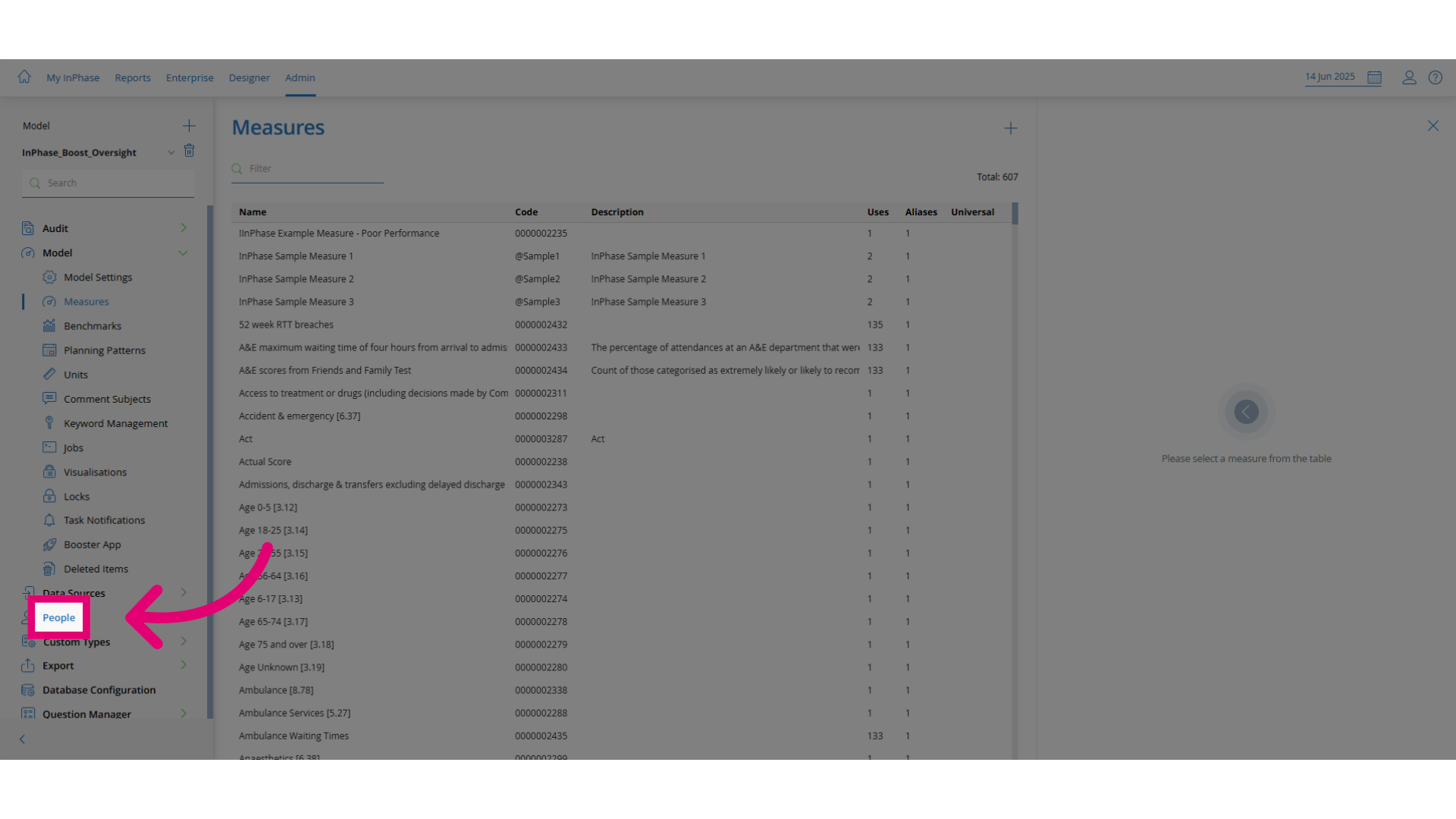
- Click People to navigate to the people management section.
- Click org chart to open the organizational chart view.
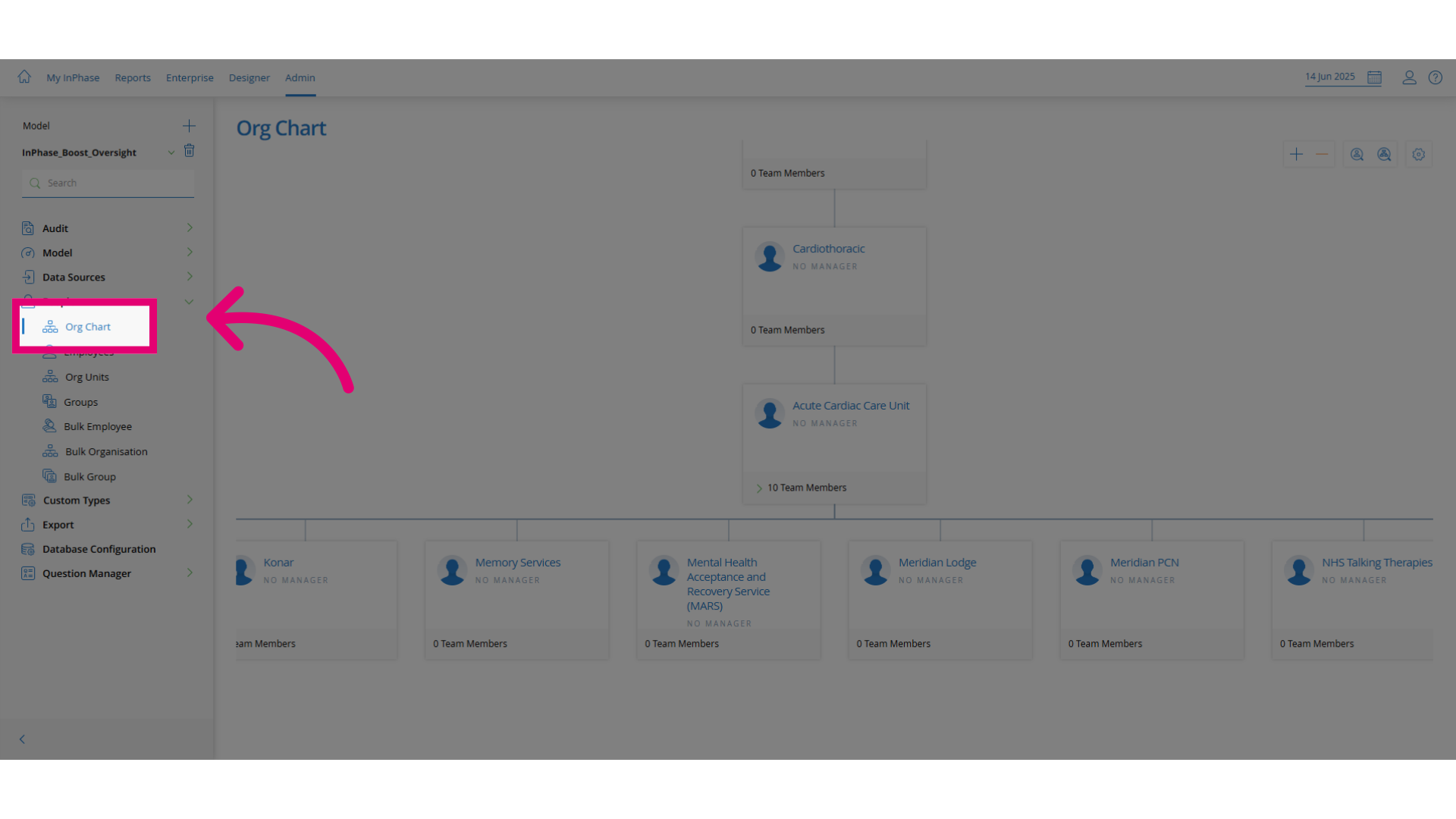
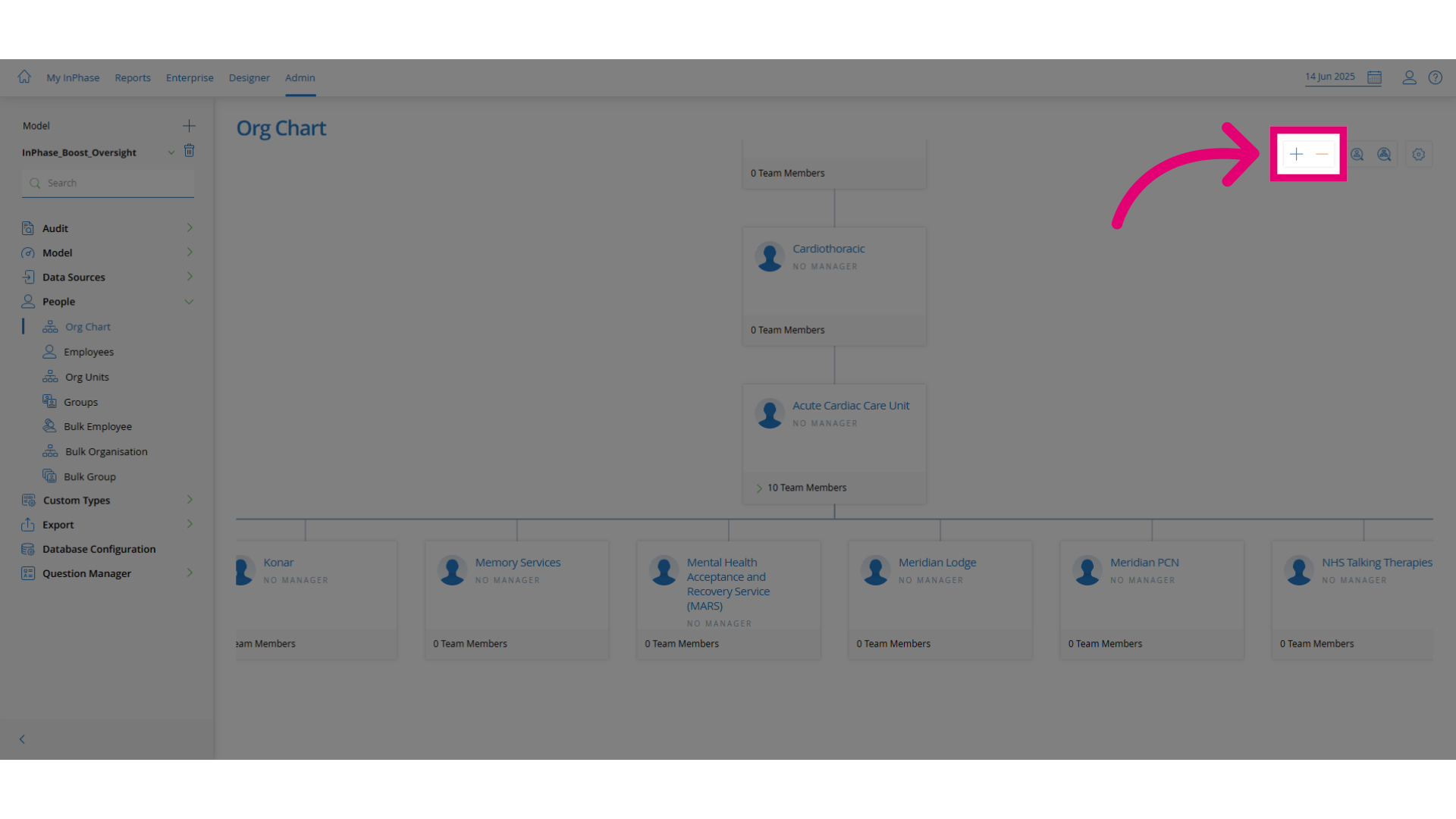
- Use the zoom controls by clicking the plus or minus icons to adjust the org chart view.
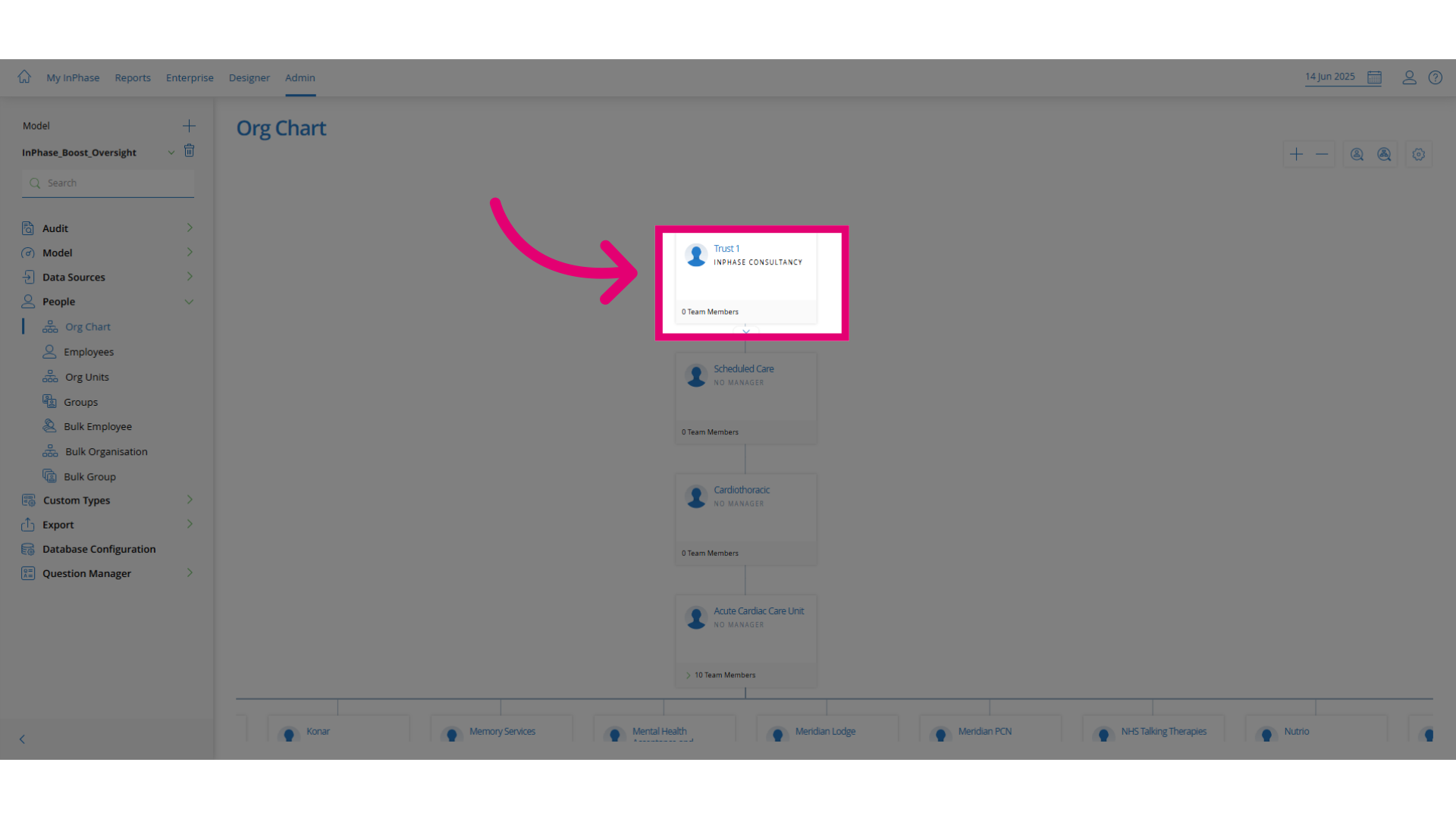
- Click on the org item you want to update.
- Right-click the selected item to open the context menu.
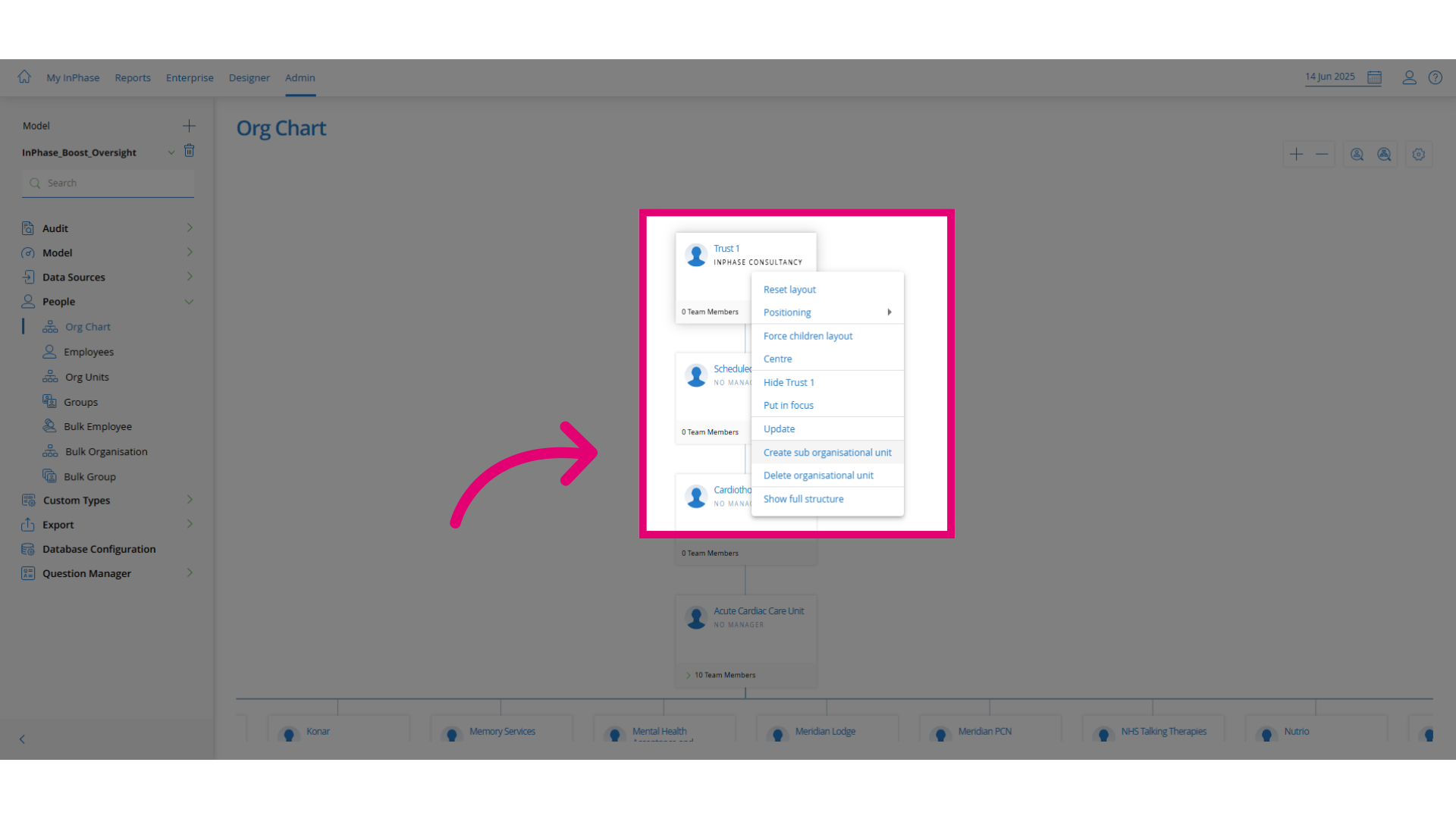
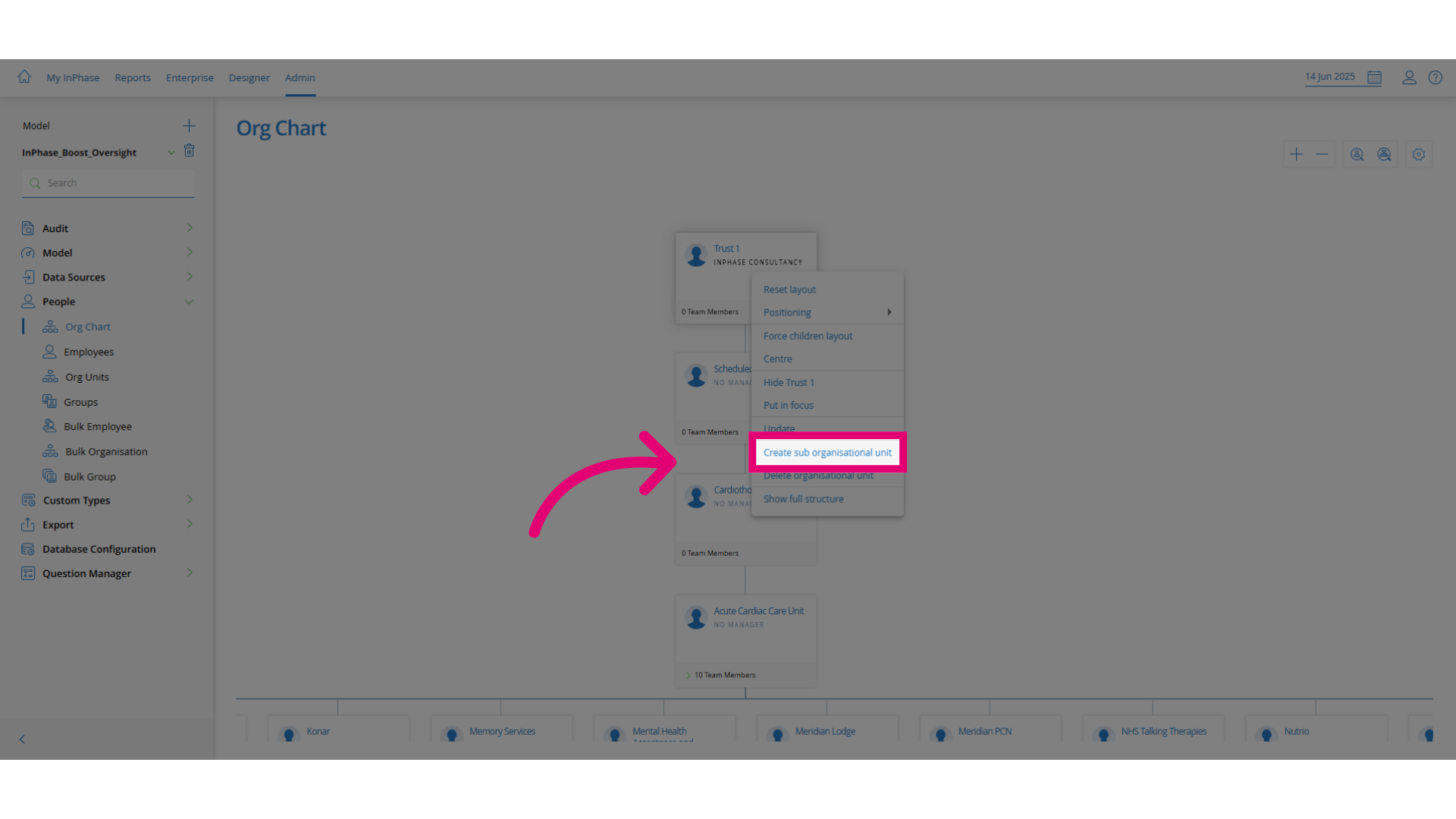
- Click the appropriate option to add a sub-organizational unit.
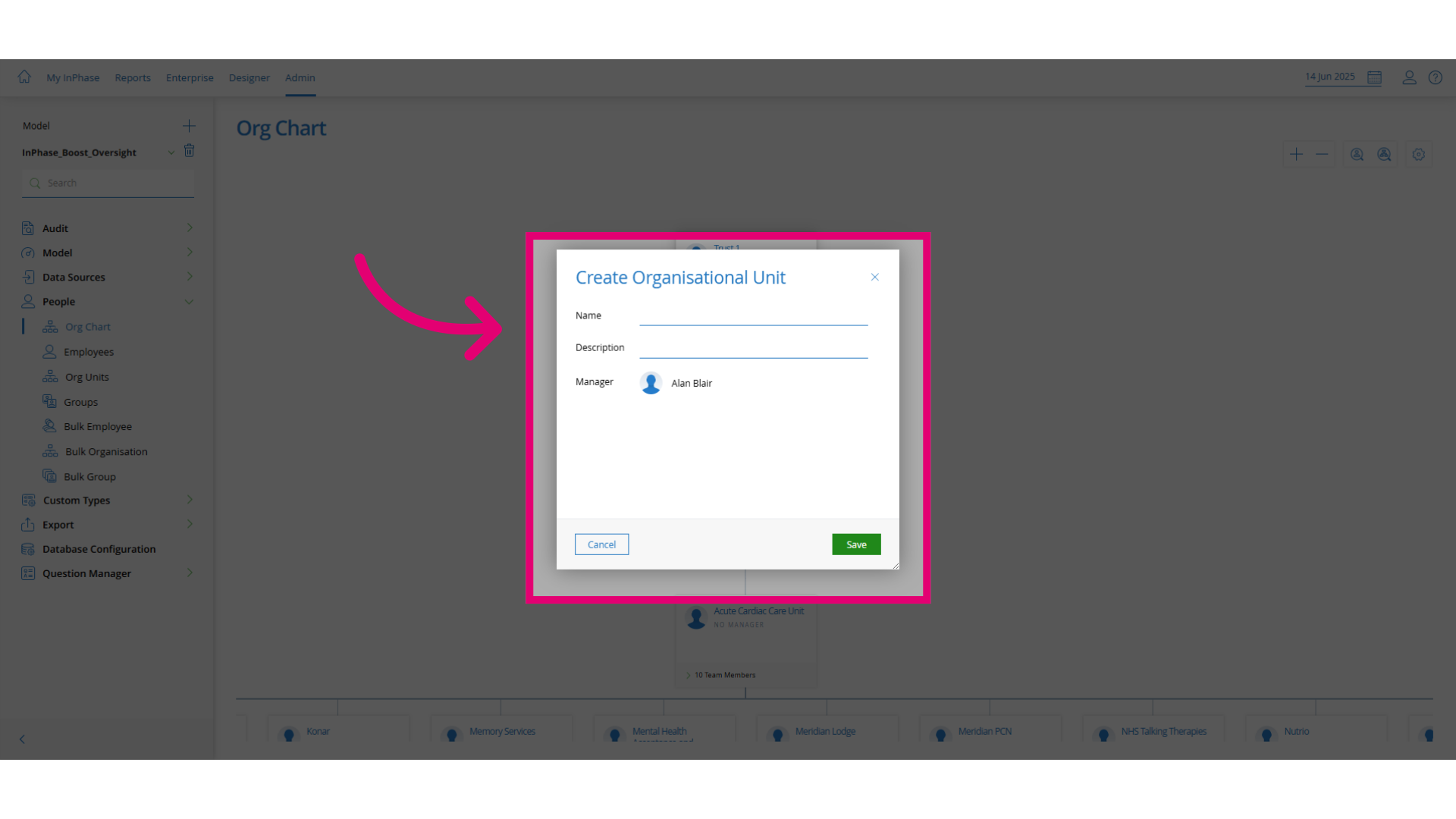
- Enter a name and description for the new unit that clearly defines its purpose.
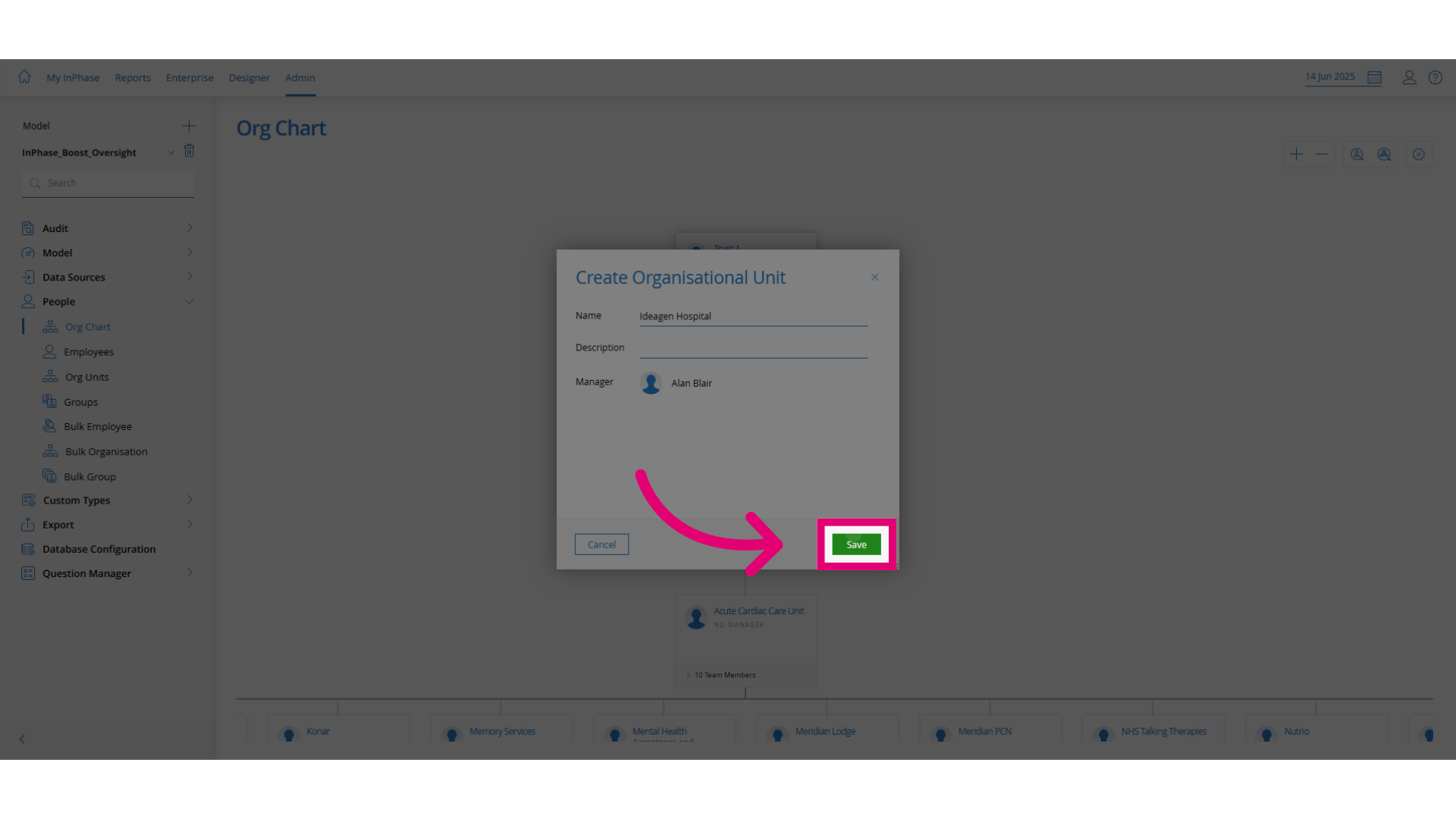
- Click Save to confirm and apply your changes.
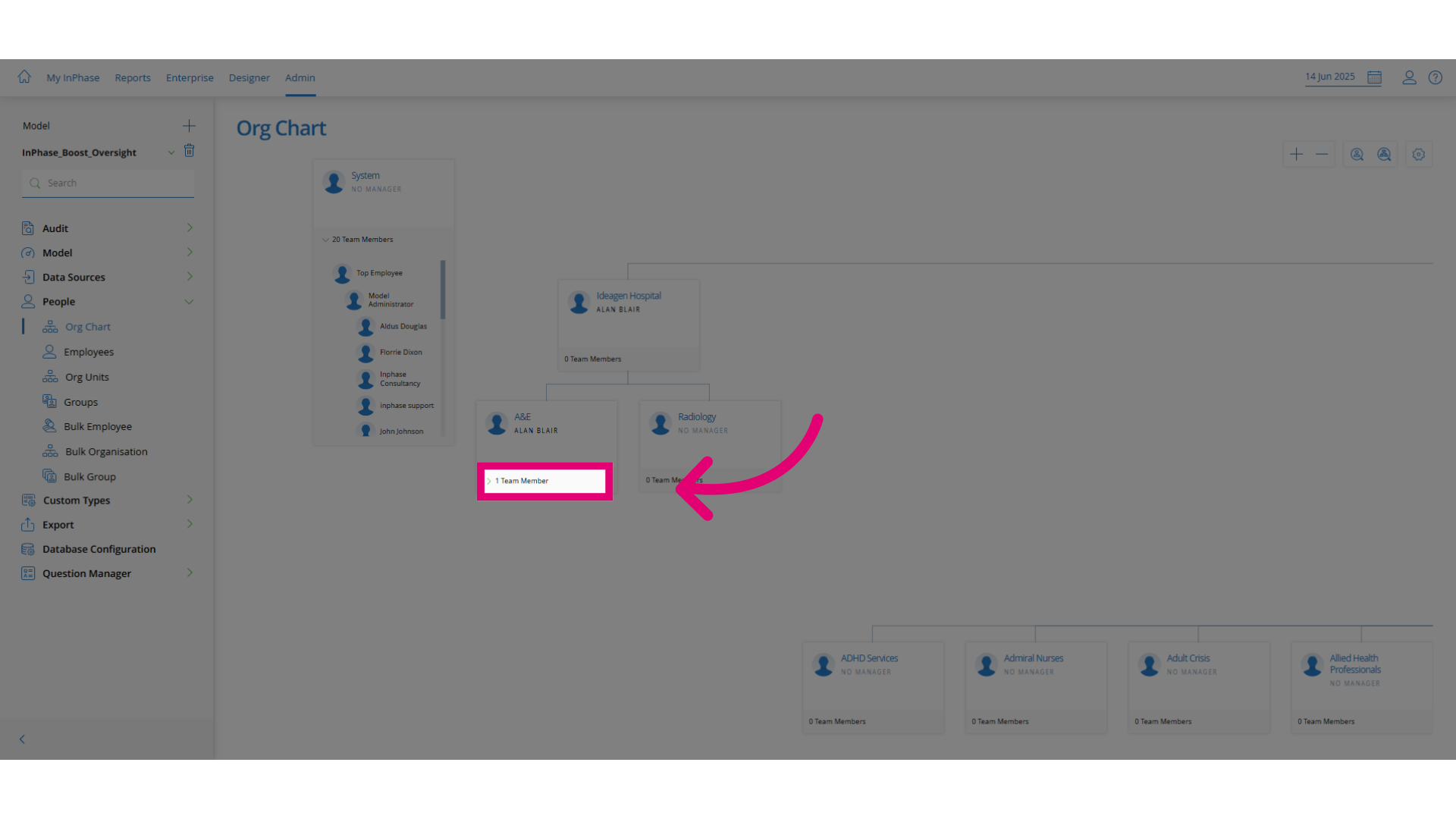
- Select the team member.
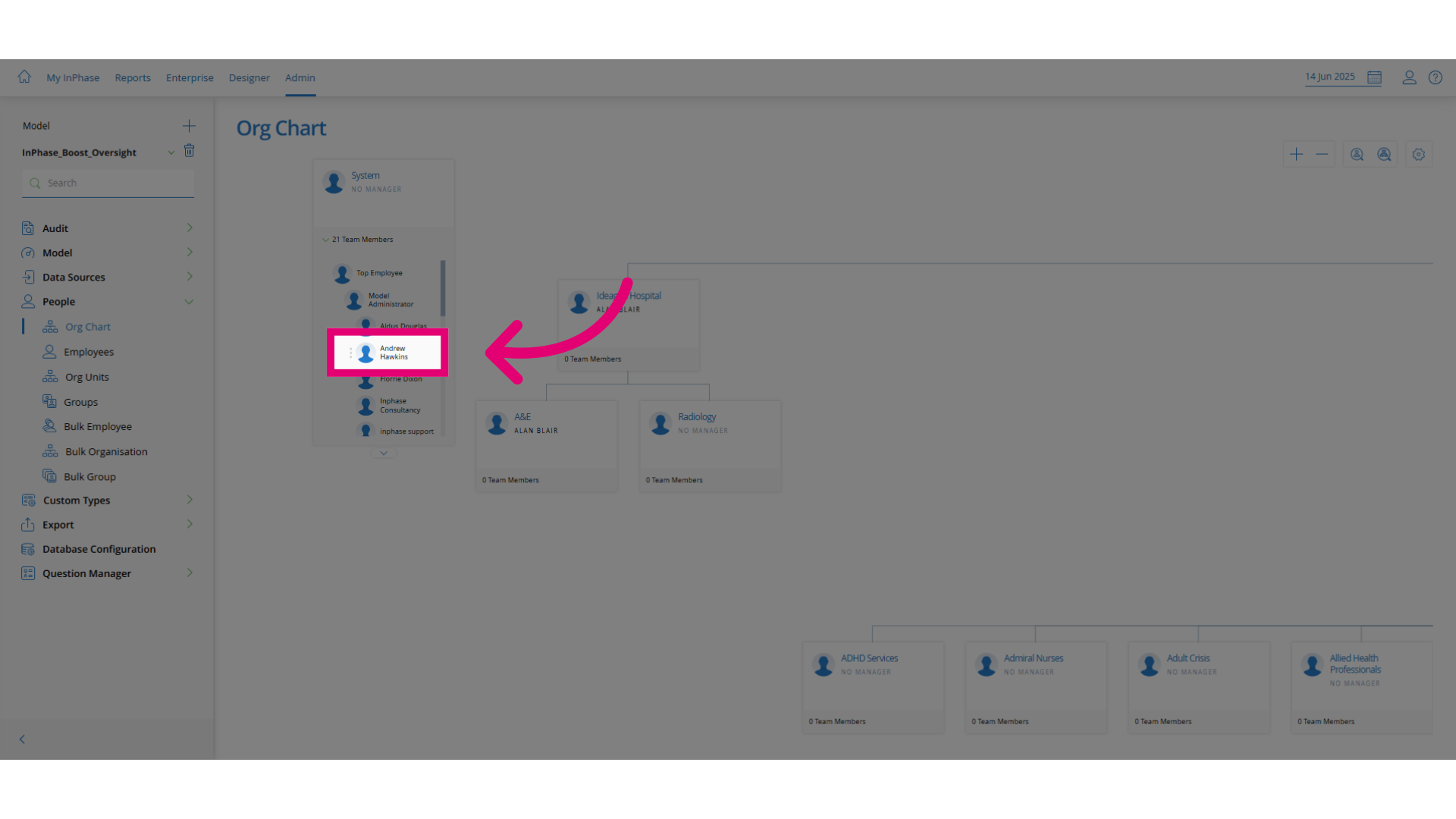
- Drag and drop the selected team member into the appropriate org unit.