New article
Recently updated
Assigning employees to groups

Who is this article for?
Administrators managing users.
Administrator access is required.
The system gives you powerful control over what users can see and do within the system through its flexible Groups and Permissions framework. This feature allows administrators to show or hide nearly any element—such as dashboards, reports, forms, or modules—based on the specific needs of different users.
This article outlines how to assign users to a group.
-
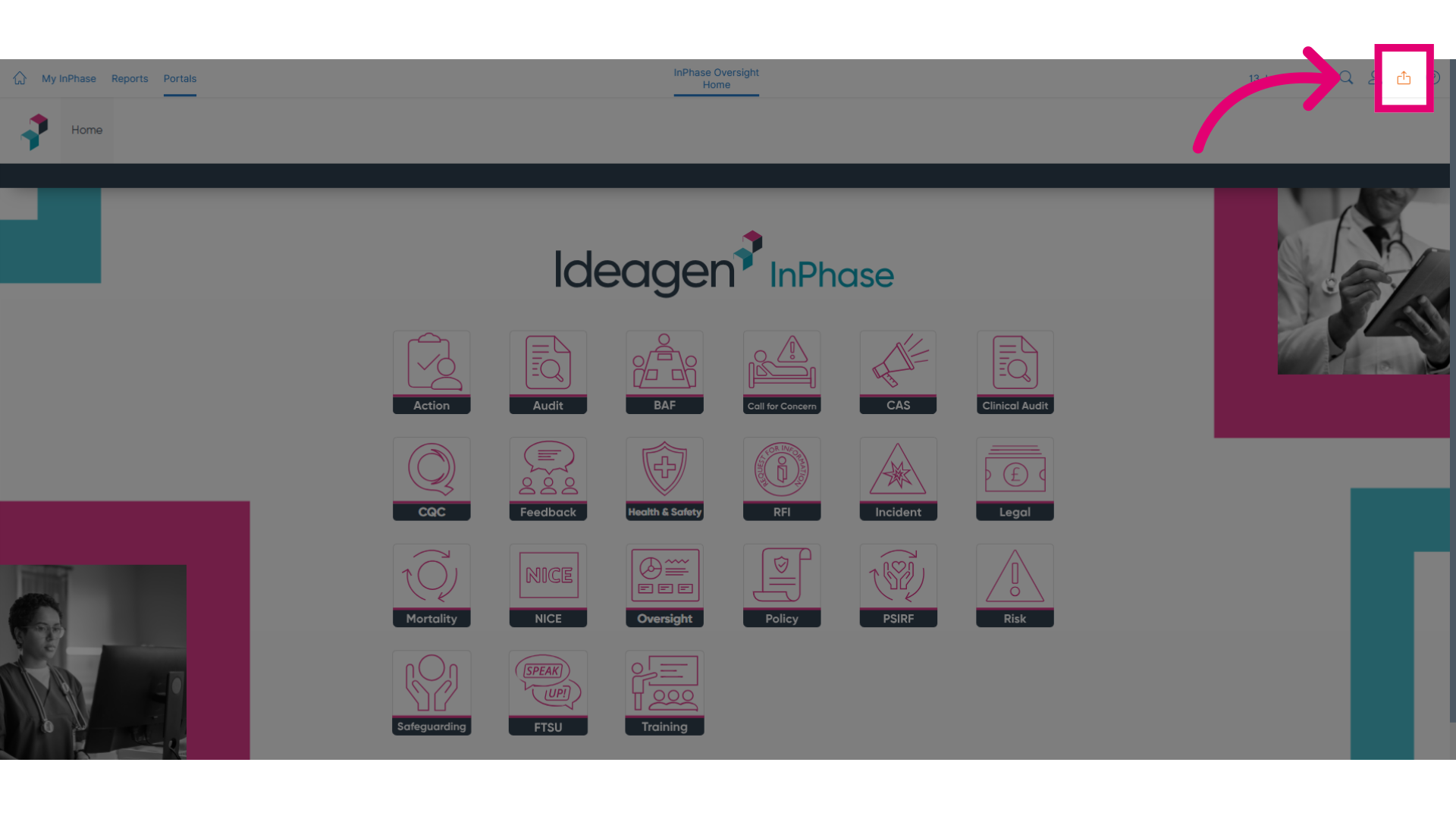
Click Send to to get started.
-
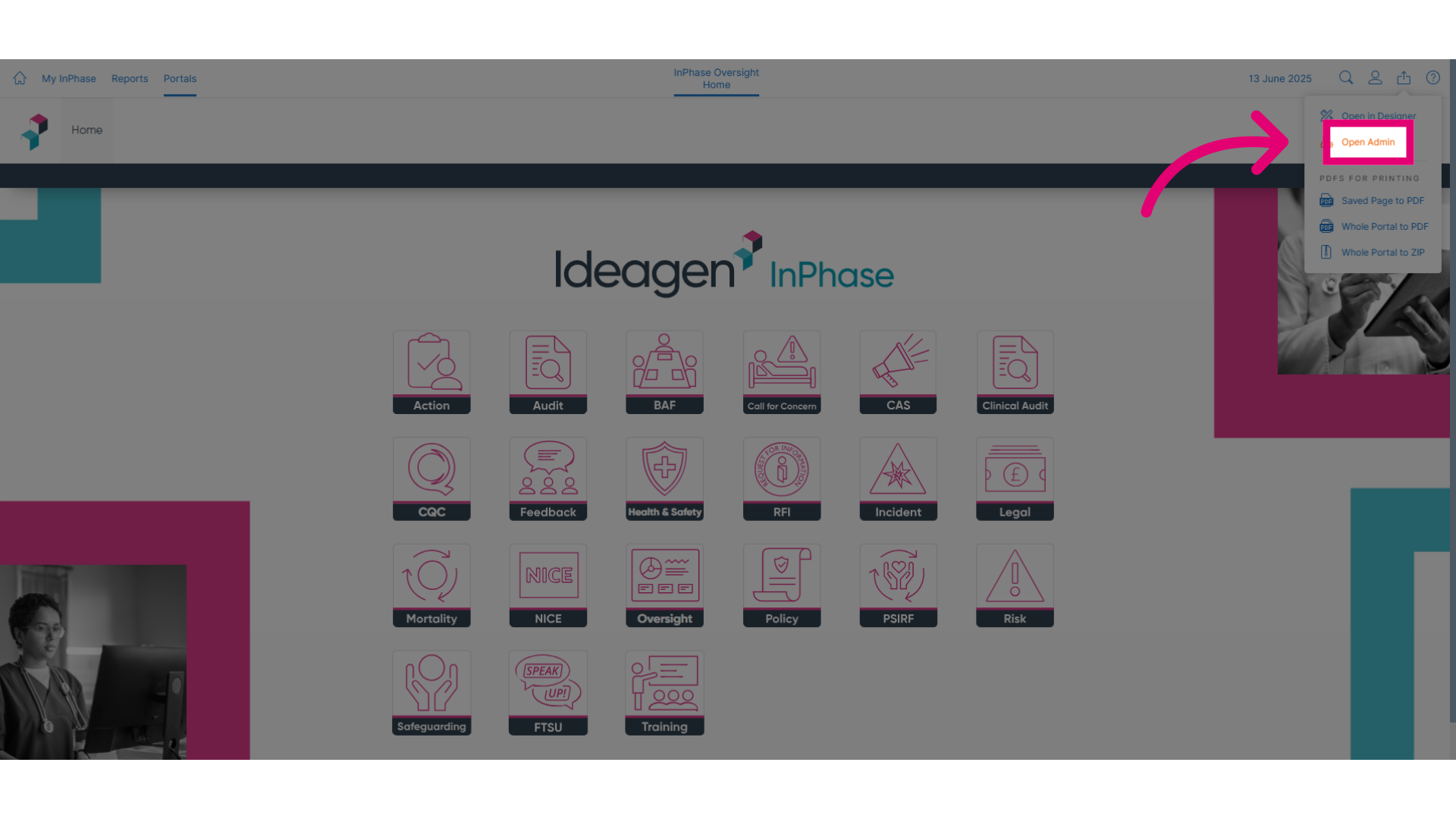
Click Open Admin to access the administrative tools.
-
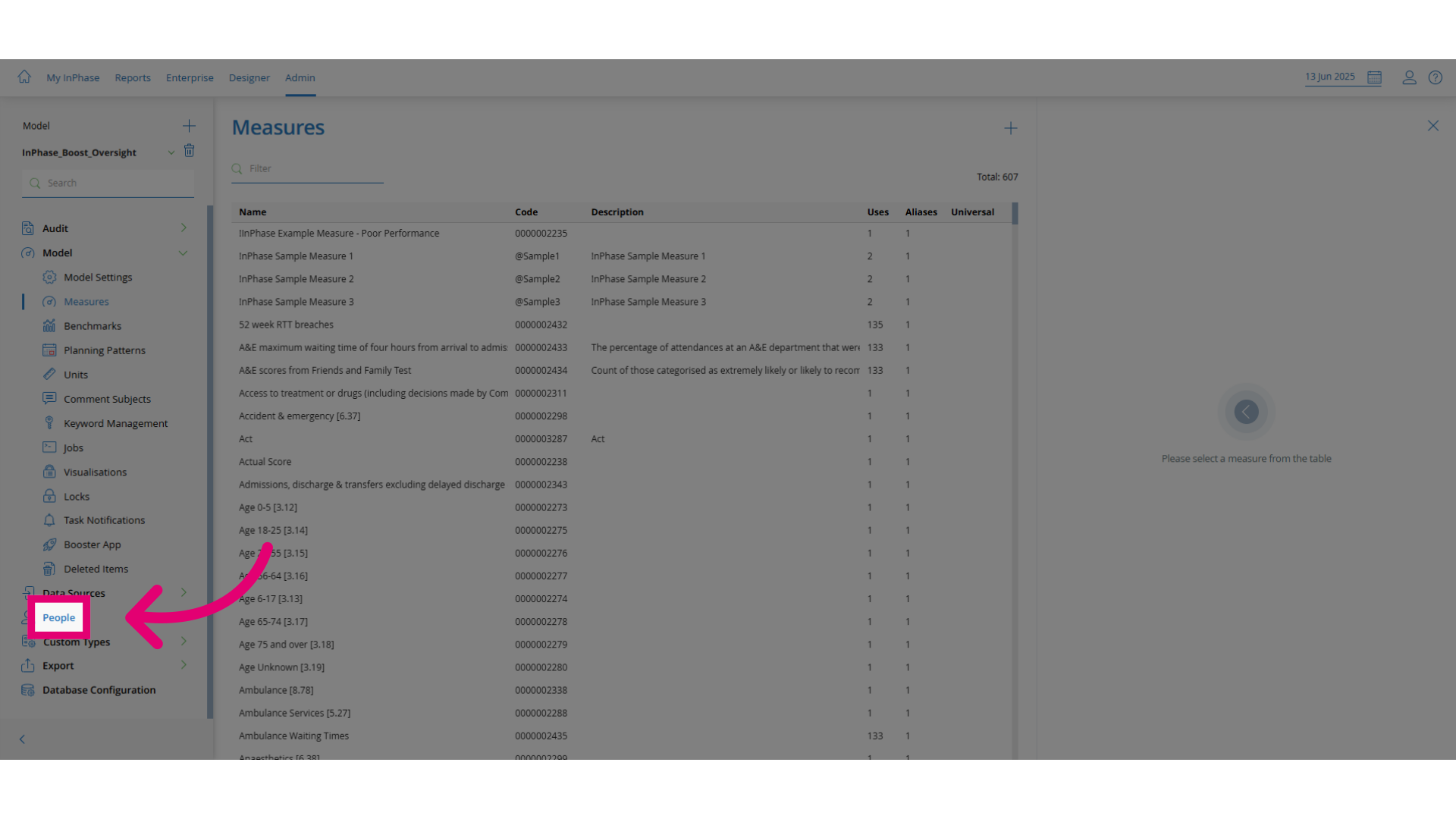
Click People to open the employee management section.
-
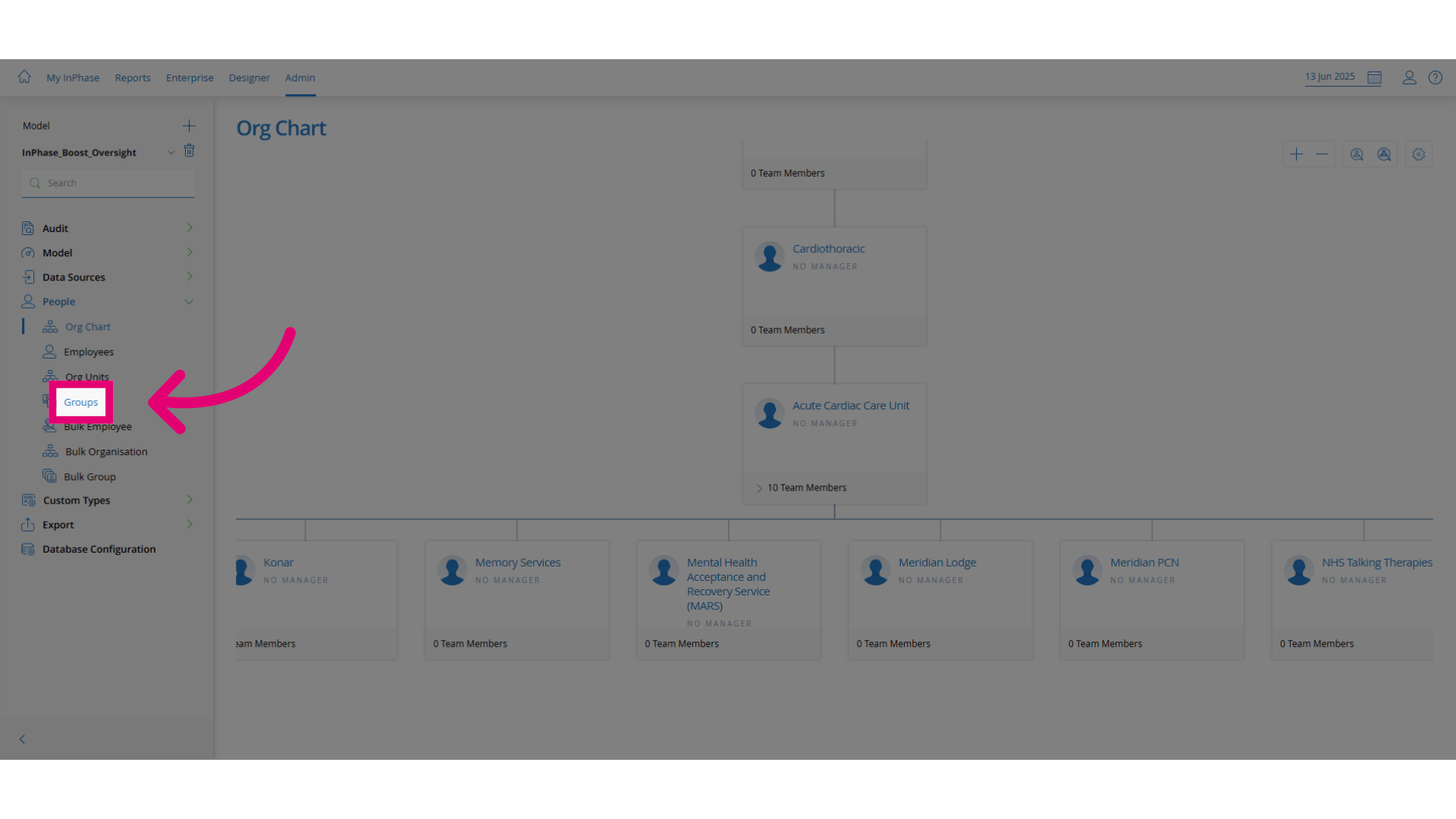
Click Groups to access the groups management page.
-
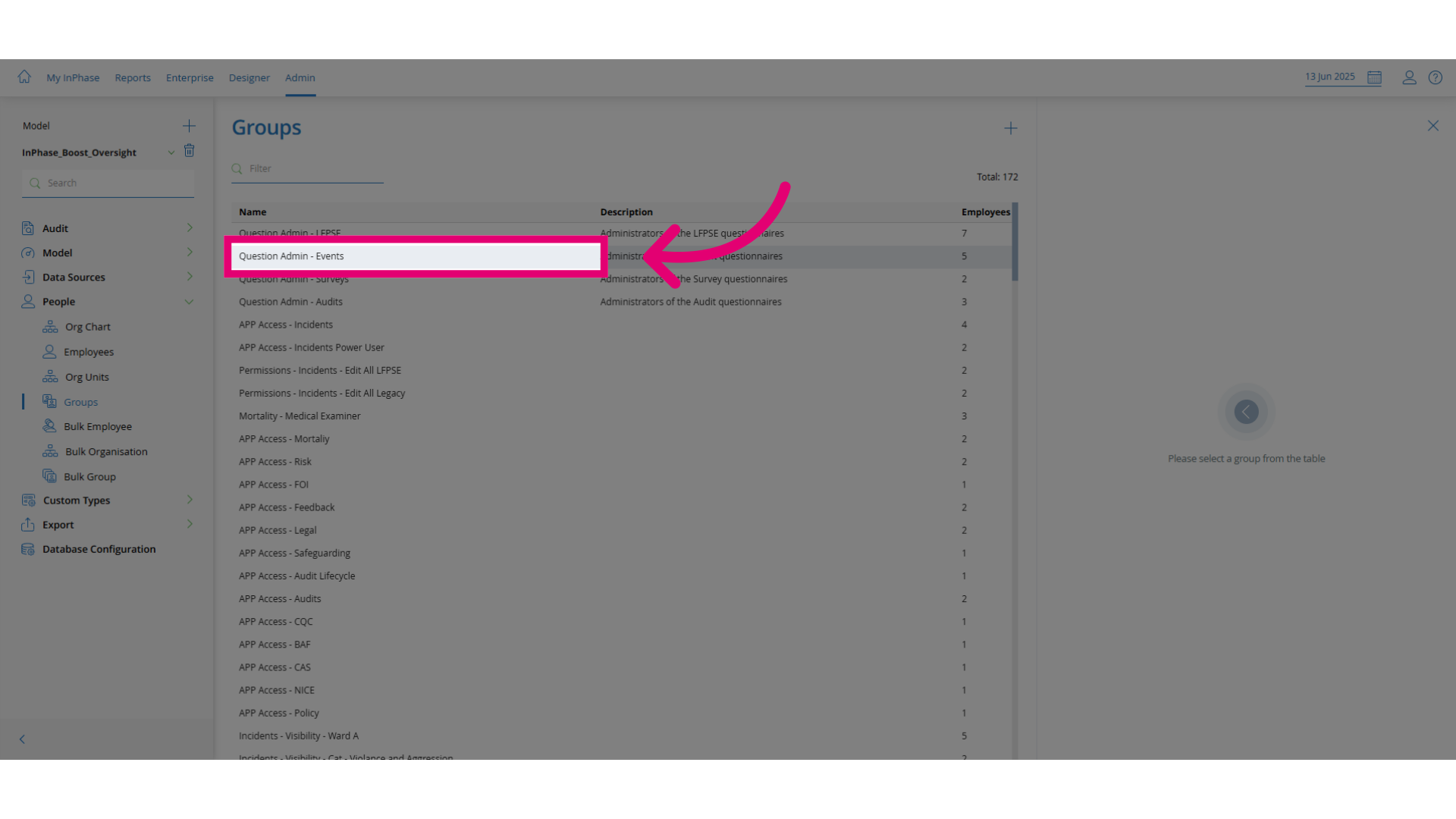
Open the group you want to assign employees to.
-
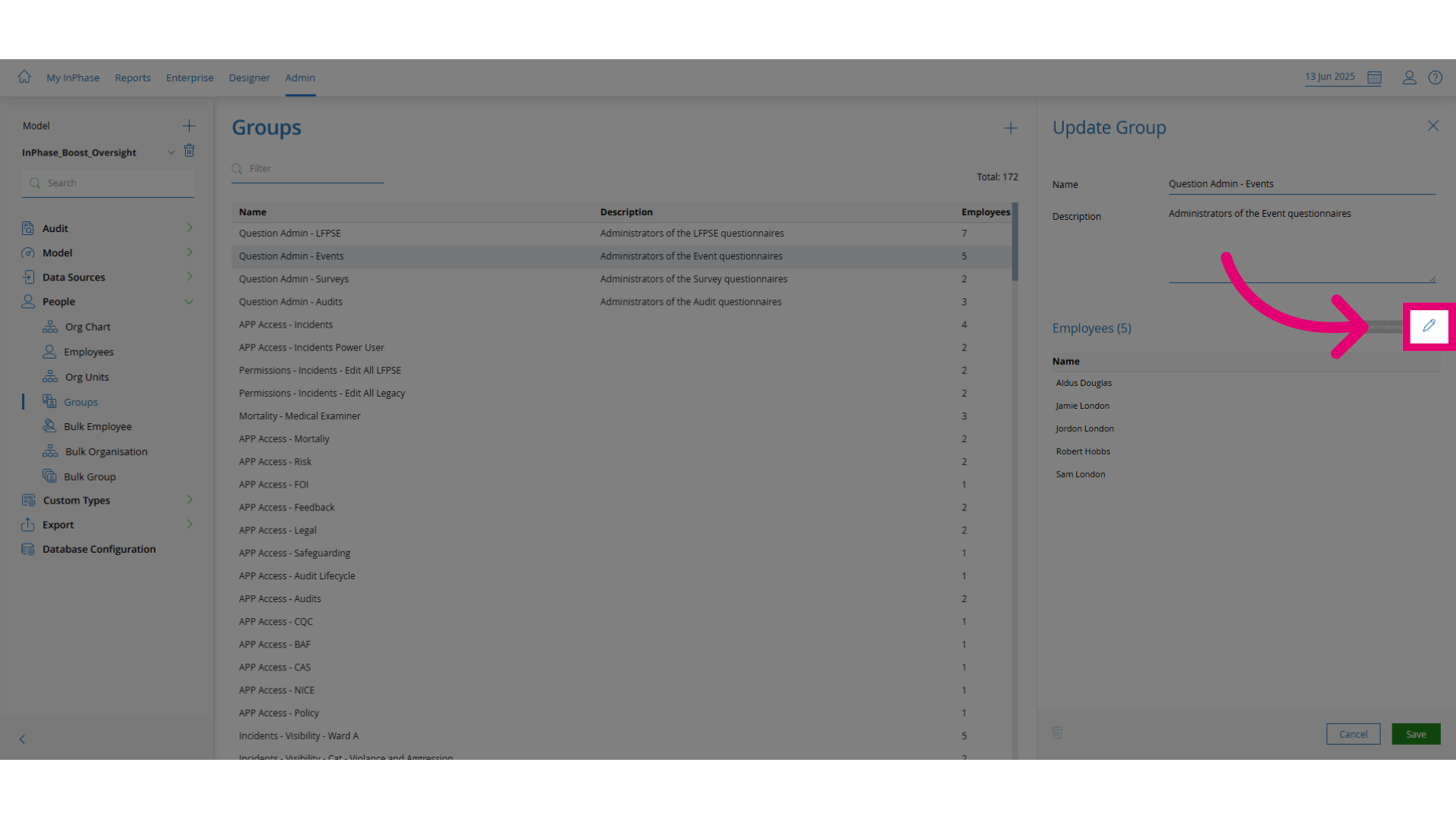
Click Edit Employees to enter the employee editing interface.
-
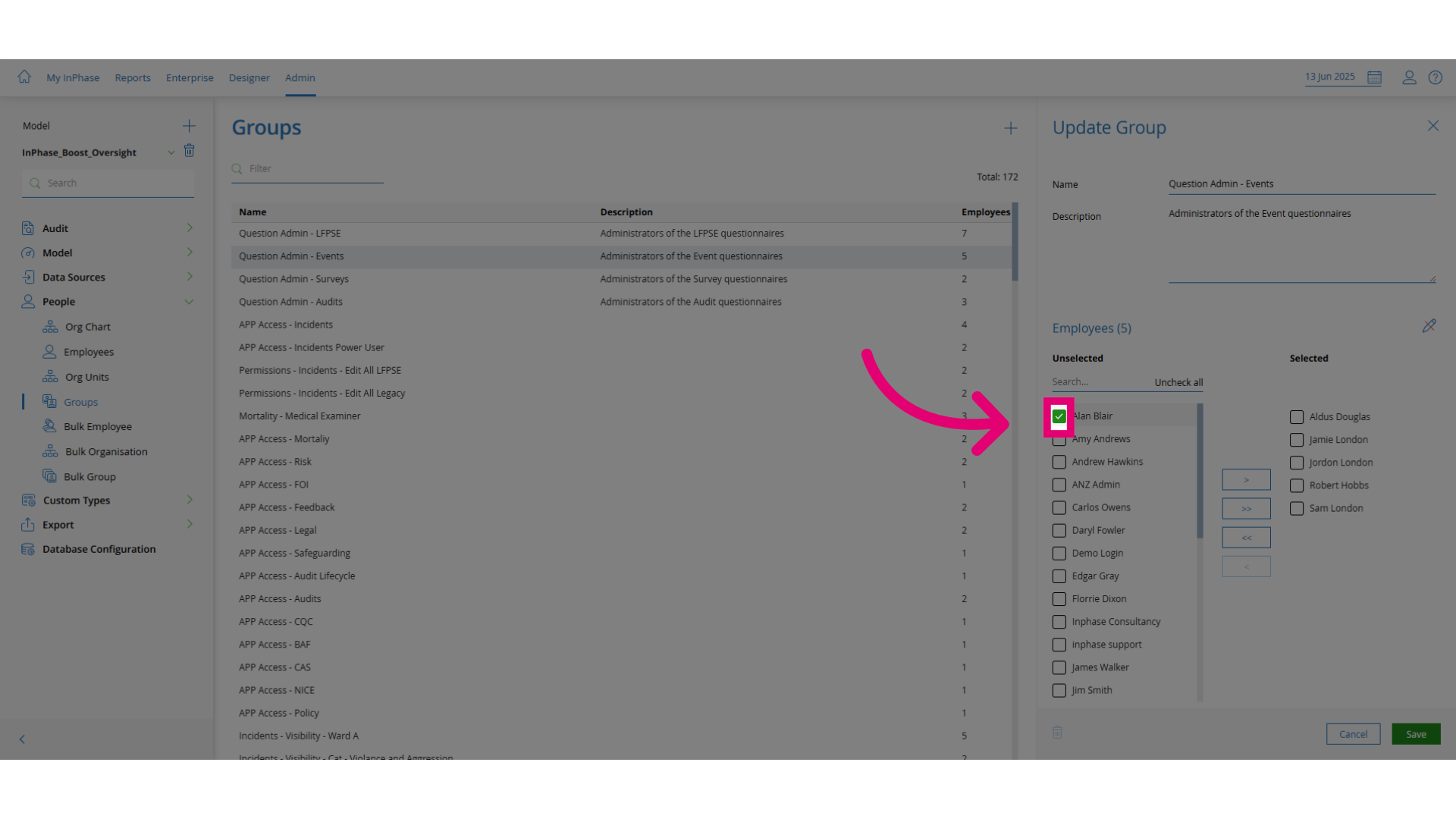
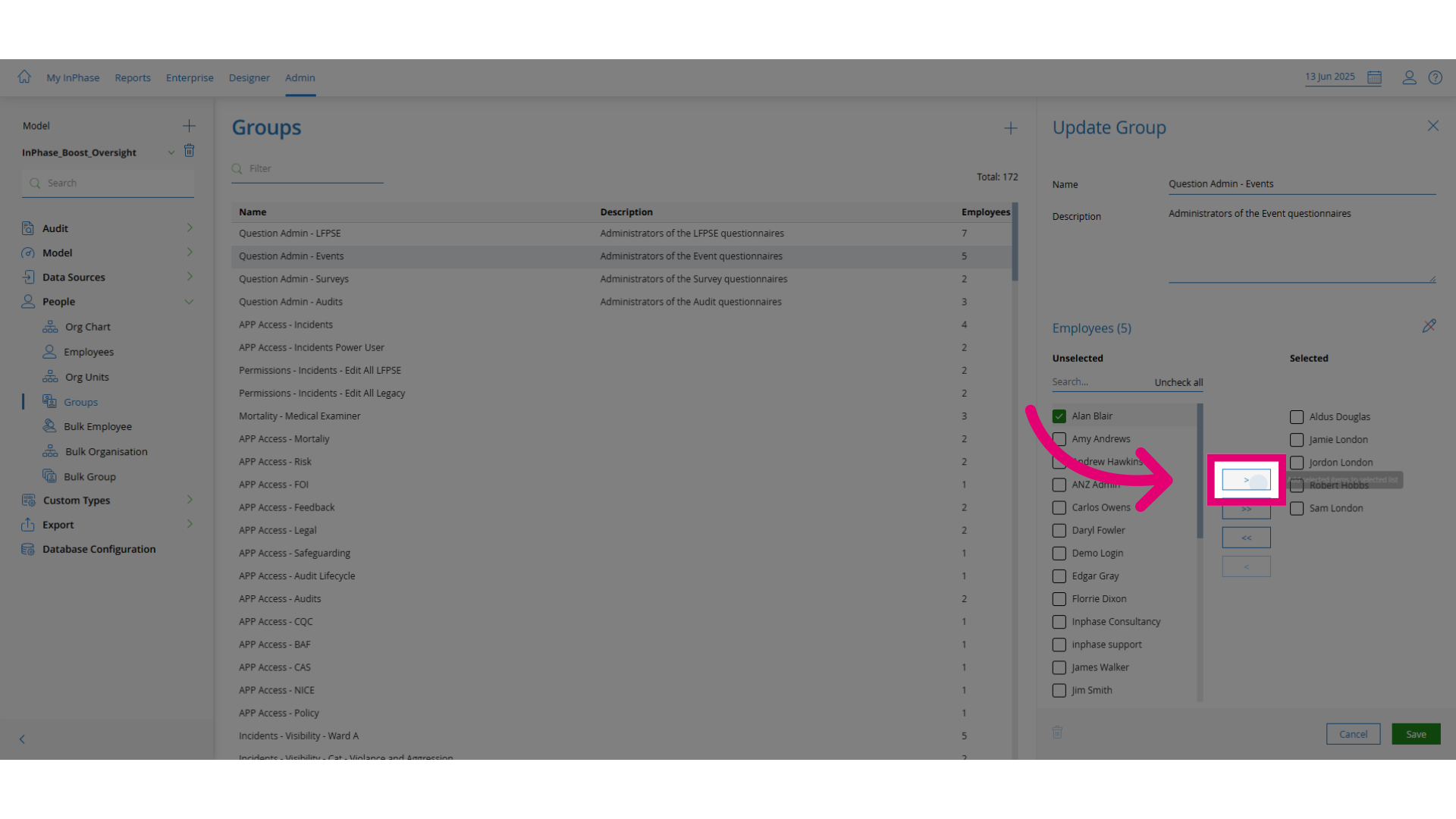
Select the employee you want to assign to the group.
-
Add the selected employee to the group list.
-
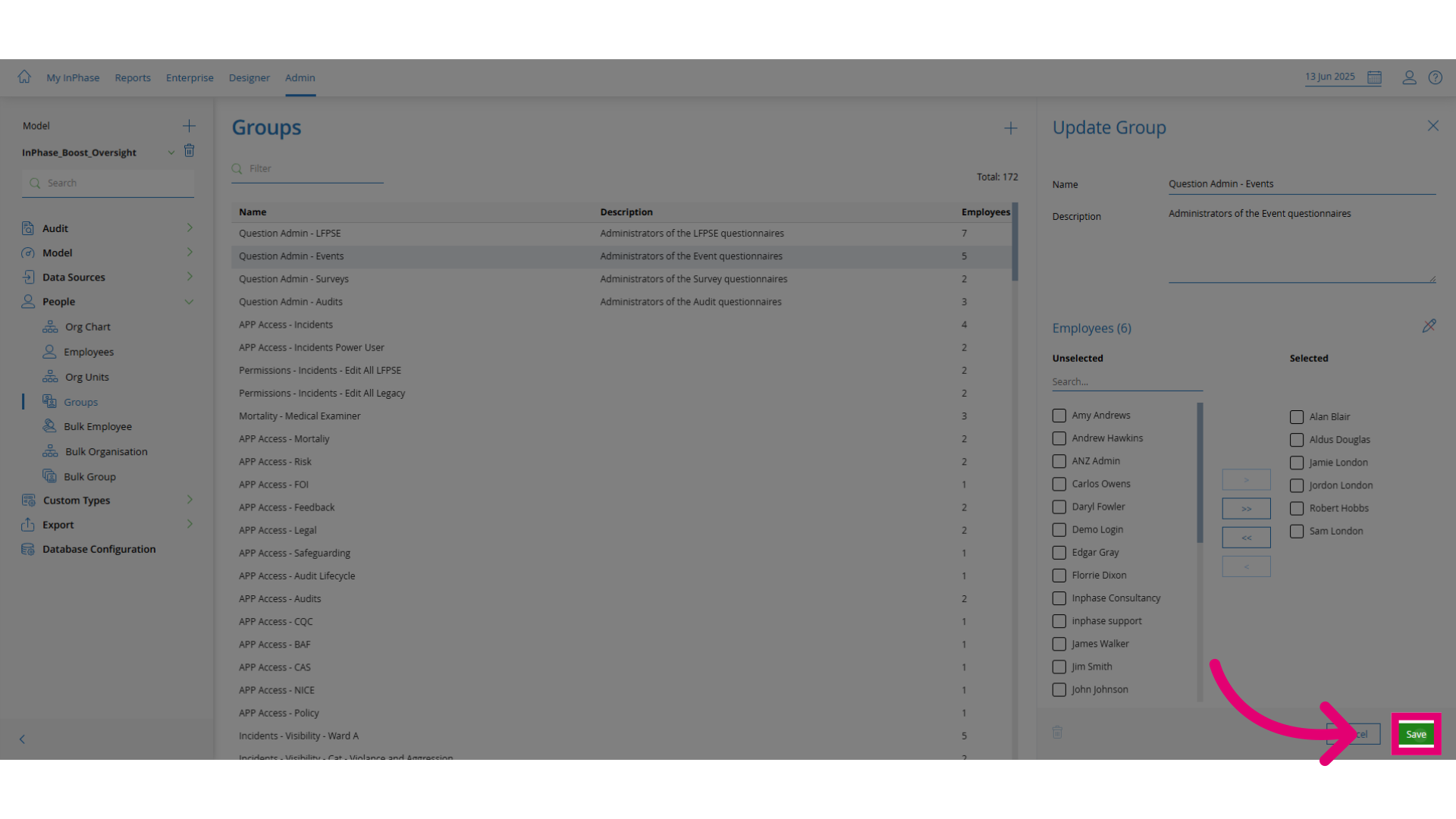
Click Save to apply the changes.